OPERATOR’S MANUAL
11
SECTION 1
SWITCHING ON
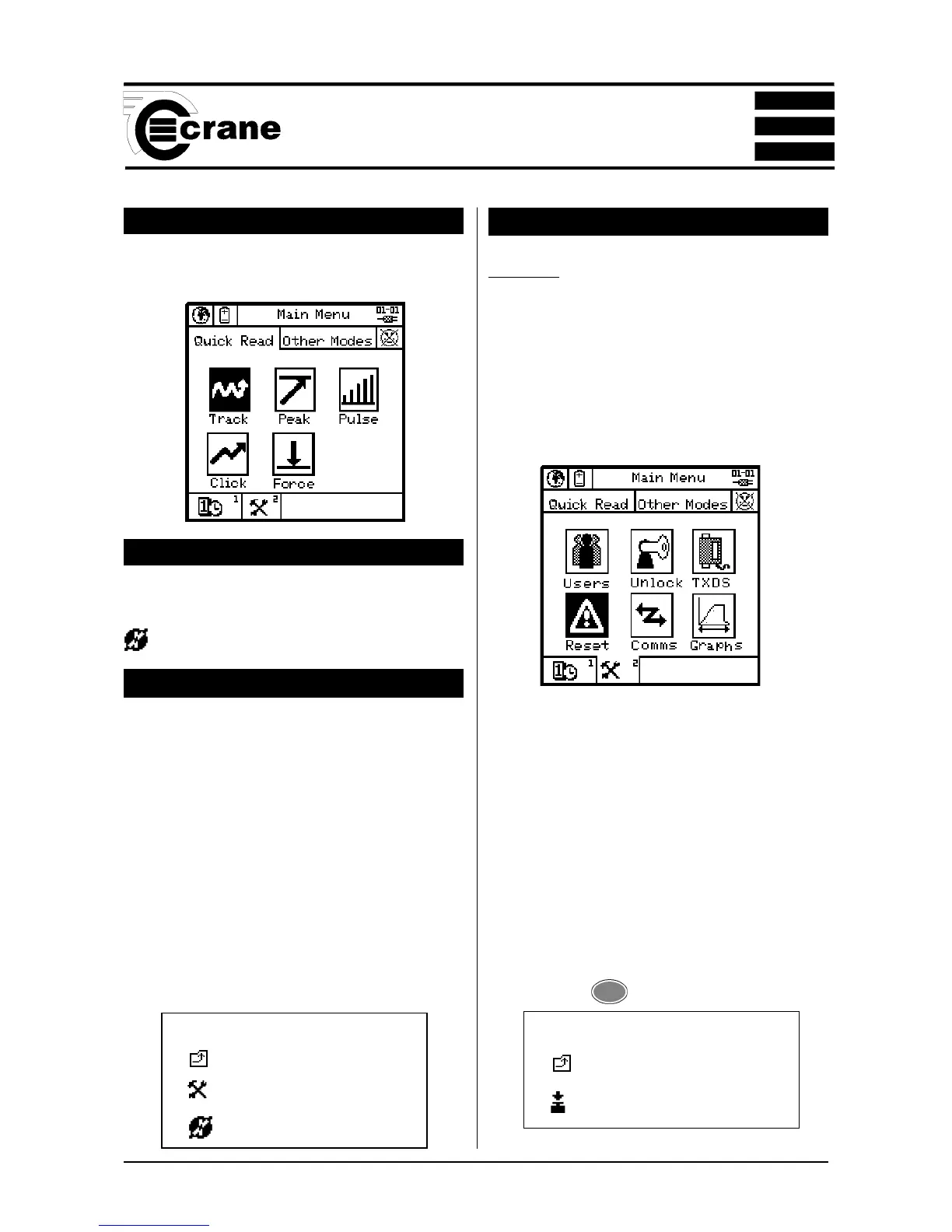
Press the < ON button on the keypad. The Main Menu
screen now appears.
SWITCHING OFF
From the Main Menu screen select the Power Menu Icon.
From within the Power Menu. Select the power off Icon
to Switch Off the Opta.
CHANGING THE POWER SAVE OPTIONS
From the Power Menu, select tools to enter Power save set-
up screen.
The user can change the following options:
Charger connected
Auto power off
Backlight off
Charger not connected
Auto power off
Backlight off
Select required Options.
Return to the Power Menu.
Return to the Main Menu.
COLD RESET
CAUTION: THIS FEATURE WILL RESTORE THE OPTA
TO ITS INITIAL FACTORY SETTING. USE THIS FEATURE
WITH CARE, AS ALL SETTINGS AND DATA WILL BE
LOST.
To perform a Cold Reset
From the Main Menu, access the Tools screen.
Select the Reset icon.
The following message will appear on the screen;
ATTENTION!!!
ALL DATA, SETTINGS AND UNLOCKED
FEATURES WILL BE LOST!
Return to the previous menu without change or continue
with the cold reset
The Opta will prompt; “Are you sure?”
Press 2 or
ENTER
Icons used In Cold Reset
Return to previous screen.
Reset
Icons Used in Power Menu
Return to previous screen.
Tools
Switch Off



 To Next Page