BEVMAX MEDIA – PROGRAMMING MAP
SOFTWARE VERSION 10.6.10 KEYPAD
BevMax_Media_Programming_10_6_10 Page 9 of 106 08/15
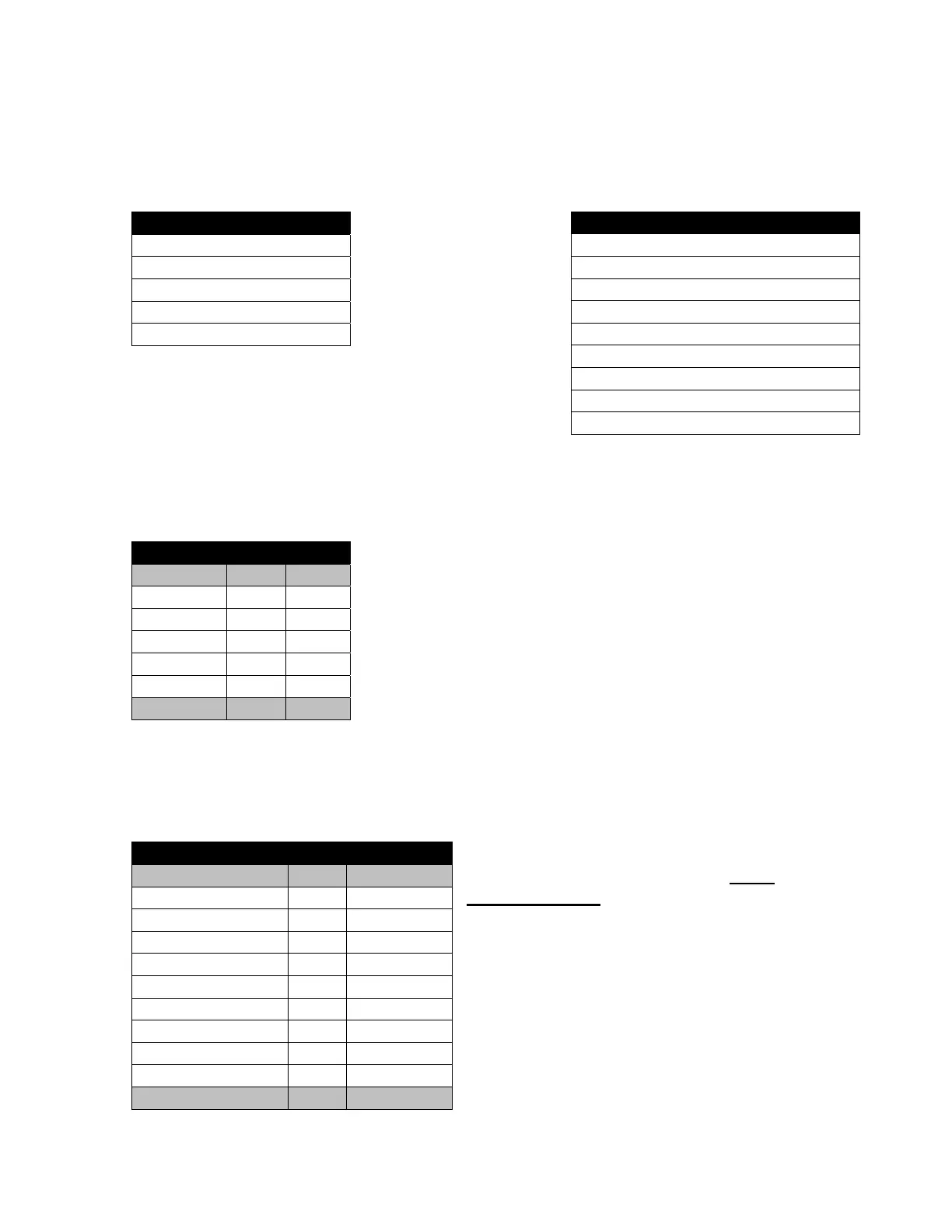
3. By Product – Press the 3 Key to bring up a screen listing all trays
Press a numeric Key to select a tray and you will bring up a screen listing the product
selections on that tray.
Press a numeric Key to select an individual product
selection and you will bring up a table listing dollar values and number of vends for that
product. This table includes a line to include the Price of the product set in the selection.
The date and time of the last vend of the selected product is displayed below the table.
Last Vend Date / Time
4. Cash – Press the 4 Key to bring up a table listing Cash Data.
NOTE – Press the bottom section of the
OK Key to scroll thru entire list. It has
multiple screens.
The last line of data on the first screen is
repeated as the first line of the second
screen when you scroll down.
By Product
1) Tray #1 >
2) Tray #2 >
3) Tray #3 >
4) Tray #4 >
5) Tray #5 >
Tray #1
1) 101 101>
2) 102 102>
3) 103 103>
4) 104 104>
5) 105 105>
6) 106 106>
7) 107 107>
8) 108 108>
9) 109 109>
101
#
Price $0.00
Sales $0.00 0
Discounts $0.00 0
Surcharge $0.00 0
Test Vend $0.00 0
Free Vend $0.00 0
Cash
#
Cash In $0.00 ______
To Cash Box $0.00 ______
To Tubes $0.00 ______
Bills In $0.00 ______
Dispensed $0.00 ______
Manual Dispensed $0.00 ______
Sales $0.00 0
Discounts $0.00 0
Surcharge $0.00 0
Over Pay $0.00 0



 To Next Page