BEVMAX MEDIA – PROGRAMMING MAP
SOFTWARE VERSION 10.6.10 KEYPAD
BevMax_Media_Programming_10_6_10 Page 10 of 106 08/1
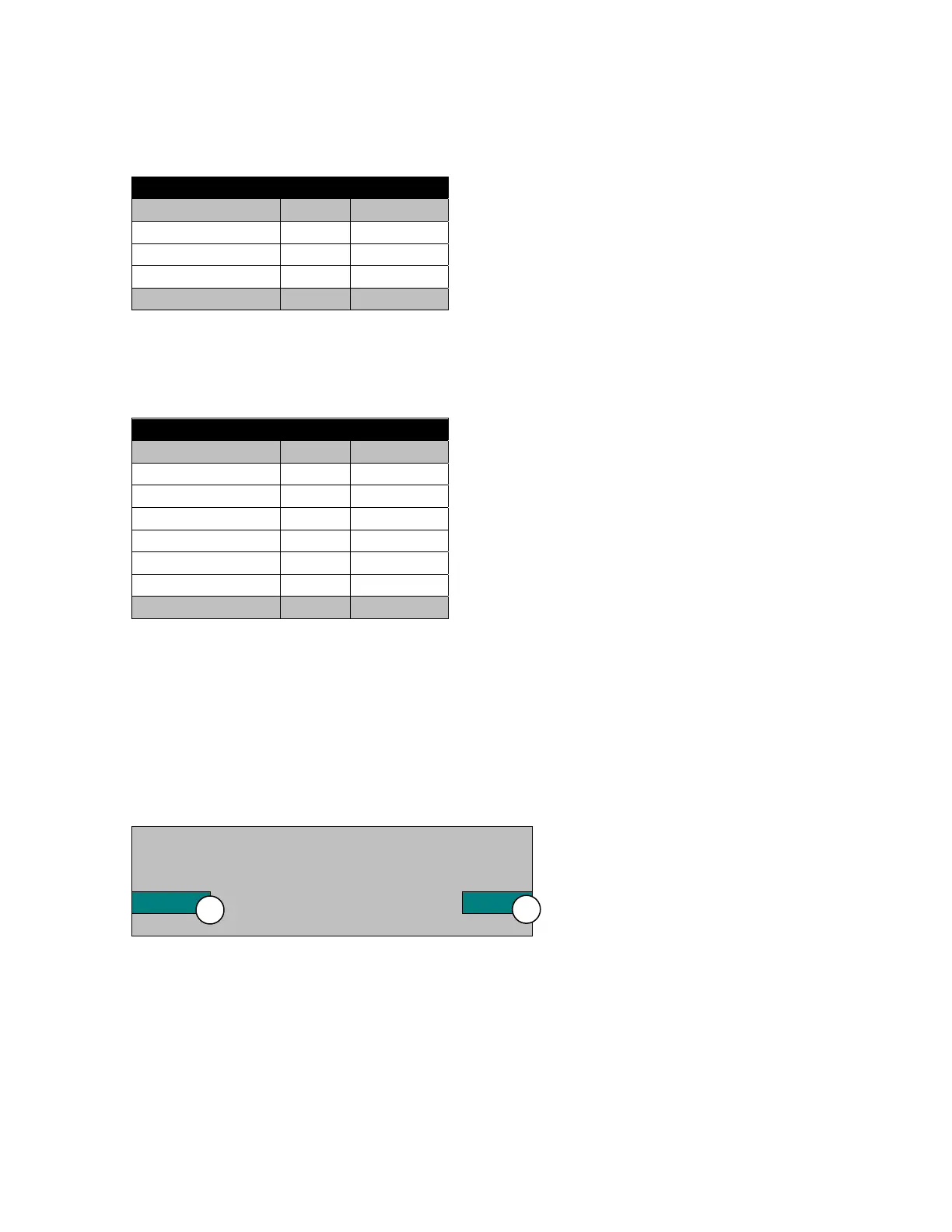
5. Cashless – Press the 5 Key to bring up a table listing Cashless Data.
Cashless
#
Sales $0.00 0
Discounts $0.00 0
Surcharge $0.00 0
Revalue $0.00 0
6. Bill Data – Press the 5 Key to bring up a table listing Bill Data.
The contents of the recycler unit have been listed below the table.
Recycler Contents $0.00
7. Clear Data – Press the 7 Key to clear resettable data.
Press the 7 Key will bring up a screen asking you if you are sure you want to clear the
resettable data. Respond by pressing a numeric Key.
Do you really want to clear all
Resettable data?
Yes No
1. Press the 1 Key for YES
3. Press the 3 Key for NO
This is also the data that is cleared each time the machine successfully transmits a
DEX file.
Bill Data
In Out
One $0.00 $0.00
Two $0.00
Five $0.00 $0.00
Ten $0.00
Twenty $0.00
Fifty $0.00
Hundred $0.00



 To Next Page