BevMax_Media_Programming_10_6_10 Page 63 of 106
08/15/2013
Press the 1 Key will scroll to the next item available and
bring up a screen with the option. Press the 1 Key will scroll
forward through the available options of settings to adjust.
Press the 2 Key will list any errors registered.
Press the 3 Key will enter the option shown and allow you to select
the available Shelf Location Settings. Use the numeric Keys to check
or uncheck the options. The checked option is active.
Press the OK Key to save selection and return to the Factory Setup menu. Press the 1 Key to scroll to
the Next step. Press the X Key to move backward 1 step in the menu.
Press the 4 Key to toggle the model number from 3800 to 5800.
Press the 5 Key to enter the Shelf Offset option and open a
window that will allow you to change the setting. The factory
default setting is 700.
Adjust Shelf (Y) Offset (up and down). To change the offset enter a new number (3310 counts = 1 inch)
and press the OK key to save and display will show 1) Shelf Offset ###. Press the 1 Key to scroll to the
Next step. Press the X Key to move backward 1 step in the menu.
Press the 1 Key will scroll to the next item available and
bring up a screen with the option. Press the 2 Key will list
any errors registered.
Press the 3 Key will make the changes listed on display and
the display will move to the Next step.
Press the 3 Key enter the option shown and display will
change to Platform Movement Test. Make sure the door
switch is activated so that the motors are powered. If this
switch is not pulled out, then the motors won’t move and
nothing will happen.
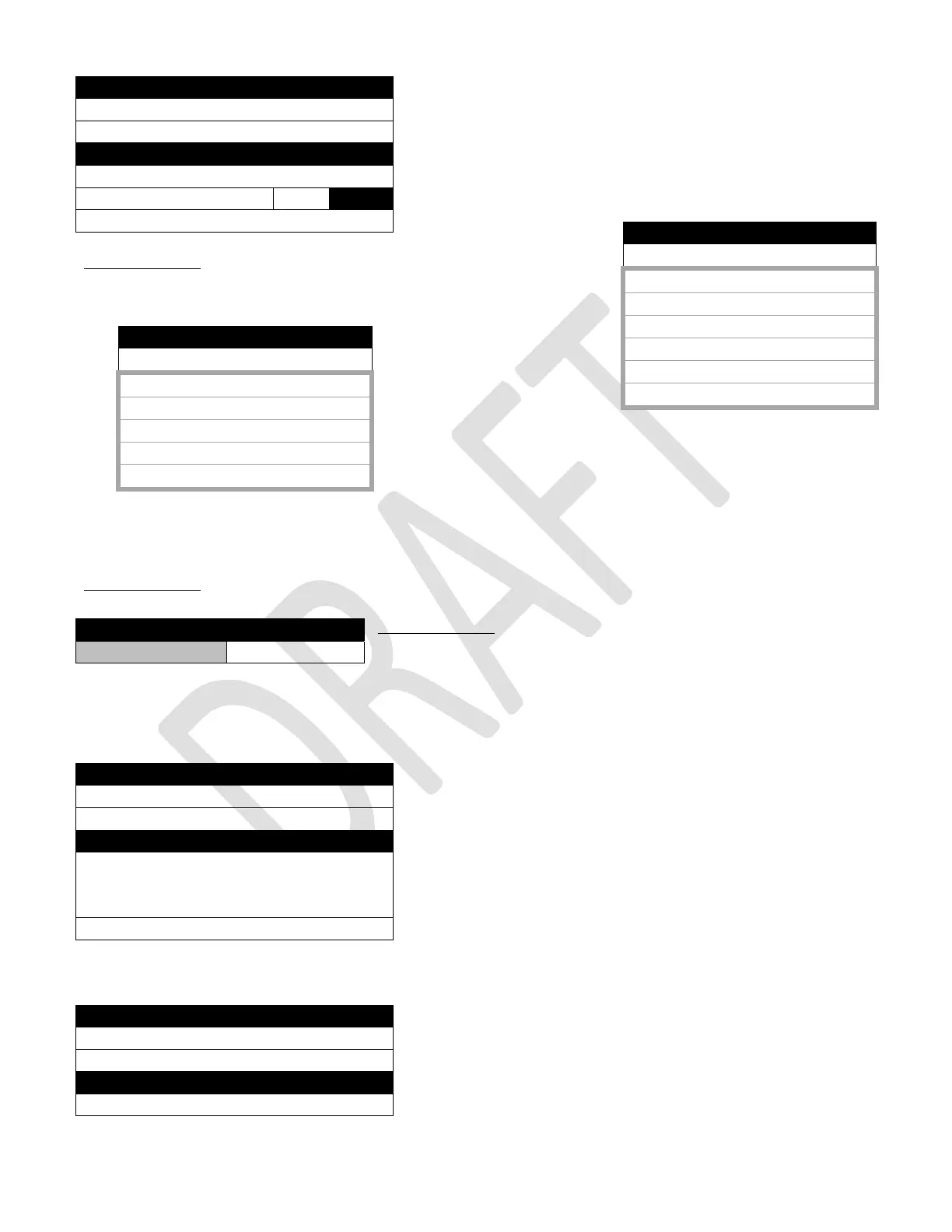
Factory Setup
1) Next Step >
2) Diagnostics >
Machine Configuration
3) Shelf location D2
4) Model Number 3800 5800
5) Shelf Offset 700
Factory Setup
3) Shelf Location
1) D
2) D2 √
3) E1
4) E2
5) E3
6) E4
Factory Setup (2
nd
screen)
3) Shelf Location
1) E5
2) E6
3) G
4) M1
5) M2
Factory Setup
1) Shelf Offset 700
Factory Setup
1) Next Step >
2) Diagnostics >
Set Test Defaults
Press the button to set the price for all
selections to 0.00, the temperature
setpoint to 50 degrees F and Rapid
3) Set Initial Defaults >
Factory Setup
1) Next Step >
2) Diagnostics >
Platform Movement Test
3) Move to 502 >



 To Next Page