BevMax_Media_Programming_10_6_10 Page 75 of 106
08/15/2013
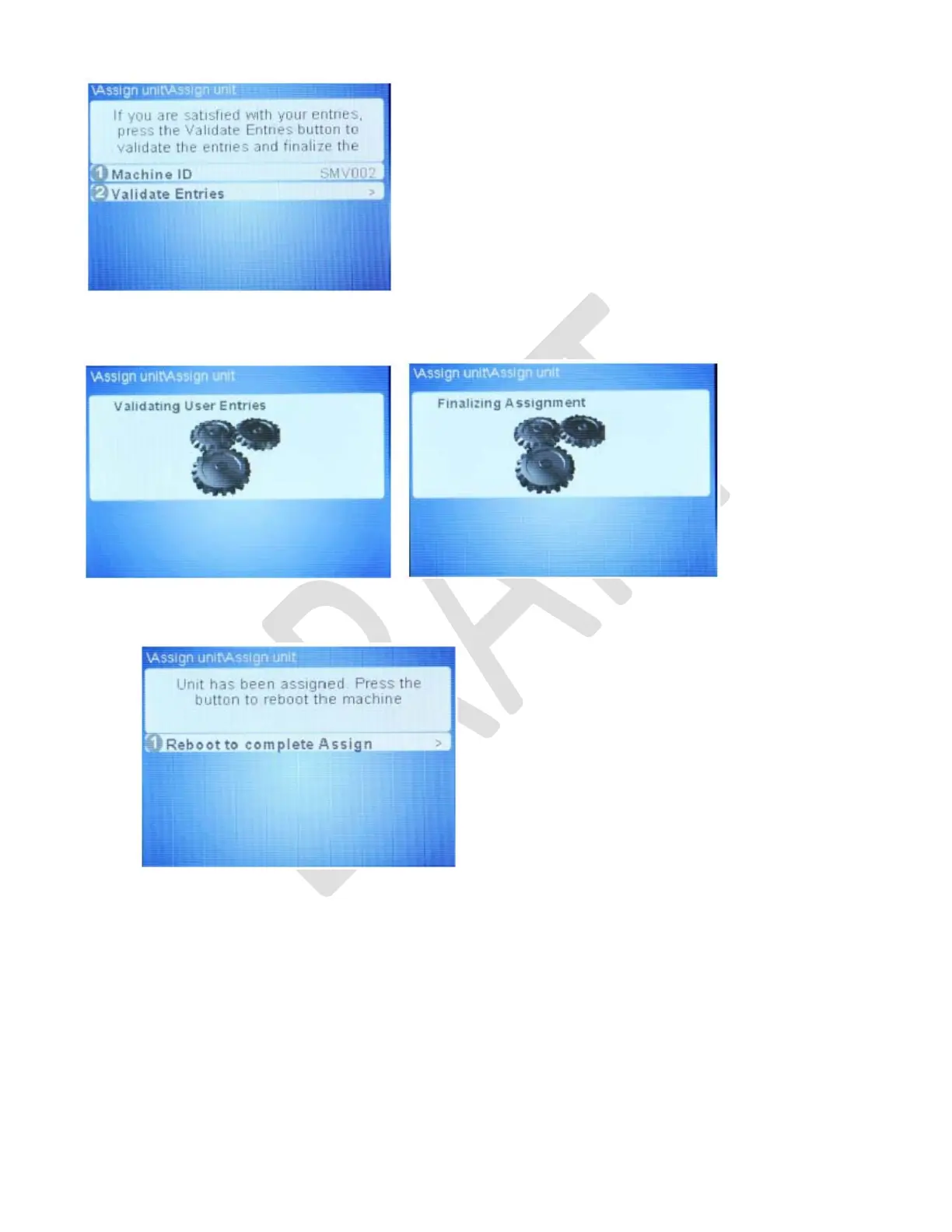
G. Press button 2 to “Validate Entries”. This step will validate the Machine ID.
• Machine ID is validating user information
• Machine ID validated and assignment complete
H. Press button 1 to reboot machine and complete assignment process.
I. Upon reboot, remove USB memory stick.
J. Test machine for wireless operation.



 To Next Page