BevMax_Media_Programming_10_6_10 Page 93 of 106 08/1
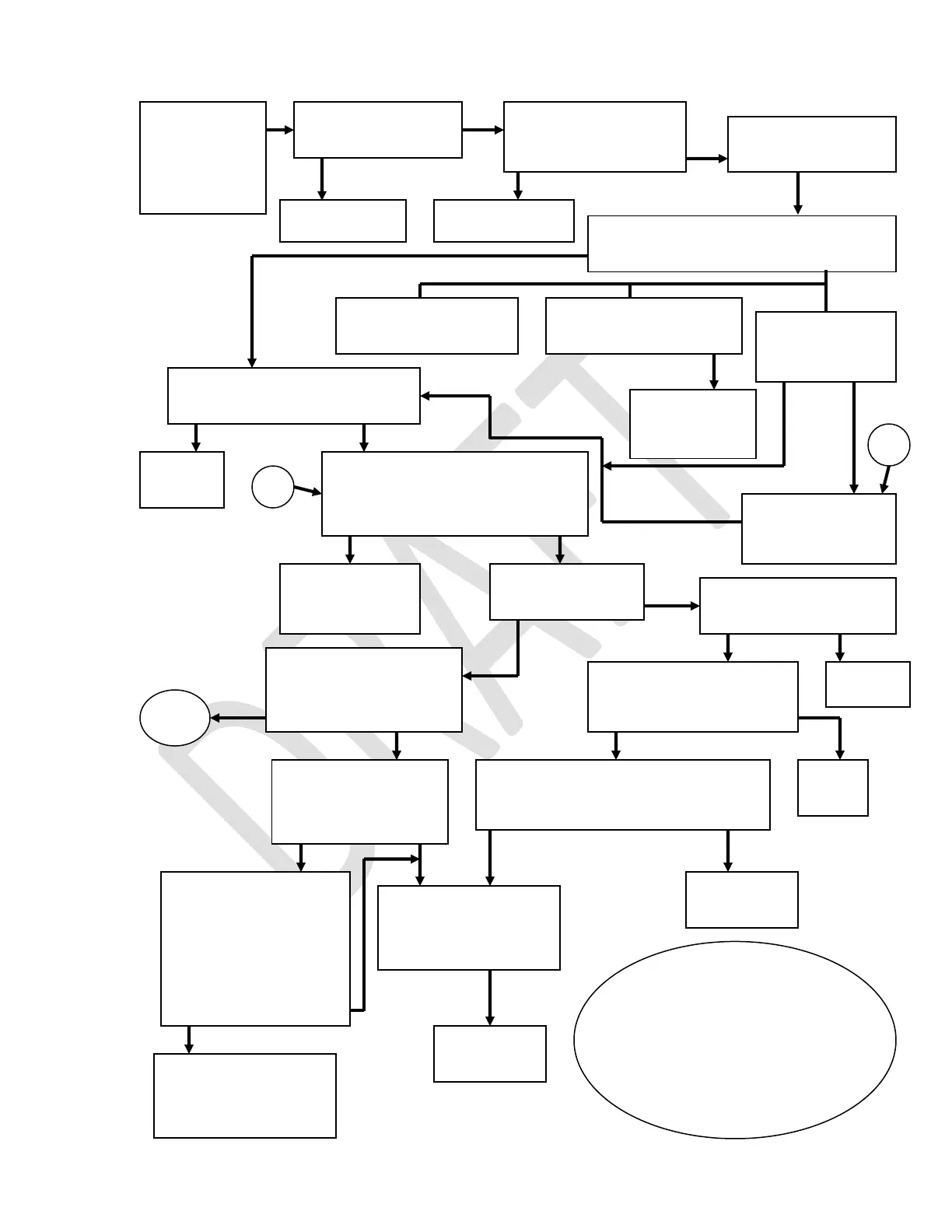
Picker
Cup not
working
Visual check. Where is picker cup located?
HOME NOT HOME
Is vender plugged in?
NO YES
Go to Test Menu,
Platform Movement.
Pull the top left door switch out. Cycle
plunger multiple times. Does it return
home?
YES NO
Unplug plunger home
switch, Plug Y home
switch in Plunger home
board port to check
plunger harnessing. Is
Picker Home message
On?
YES
O
Cycle plunger and watch
Pcker Motro Message,
does it change?
YES NO
Plug in
motor.
Check, repair, or replace
harness & connector.
Problem solved?
YES NO
Is P1 connected to I/O
Control board?
NO YES
Plug in connector. Plug in Vender.
Does plunger cycle?
YES NO
Remove Cup bottom cover.
Is motor plugged in?
YES NO
Press “3” key. Is there power to the motor
for 1 second (between 20 & 30 VDC)?
NO YES
Check, repair, or replace,
plunger, spring, &
plunger home and out
switches.
Replace
picker motor.
Refer to Y Motor
failure Trouble
shooting.
Check fuse on I/O board.
Good Failed
Check top left door switch working?
NO YES
Replace
switch.
Verify Y Home switch
toggles Y Home
message on/off?
YES NO
Replace Cup
board.
Is plunger
touching shelf
NO YES
Replace
fuse.
Is plunger touching target?
YES NO
Is plunger below target?
Go to “A”
Picker Motor
message is Off,
go to “B”.
B
A
TBD
D
If the plunger is touching
the shelf then the cup is in
the wrong position.
Trouble shoot why cup is in
wrong position after
Manually push cup
down off shelf. See
“D” below.



 To Next Page