6
CCS-UC-1: Secure SIP Endpoint with Cisco UCM 11.0 Configuration Guide – DOC. 7991A
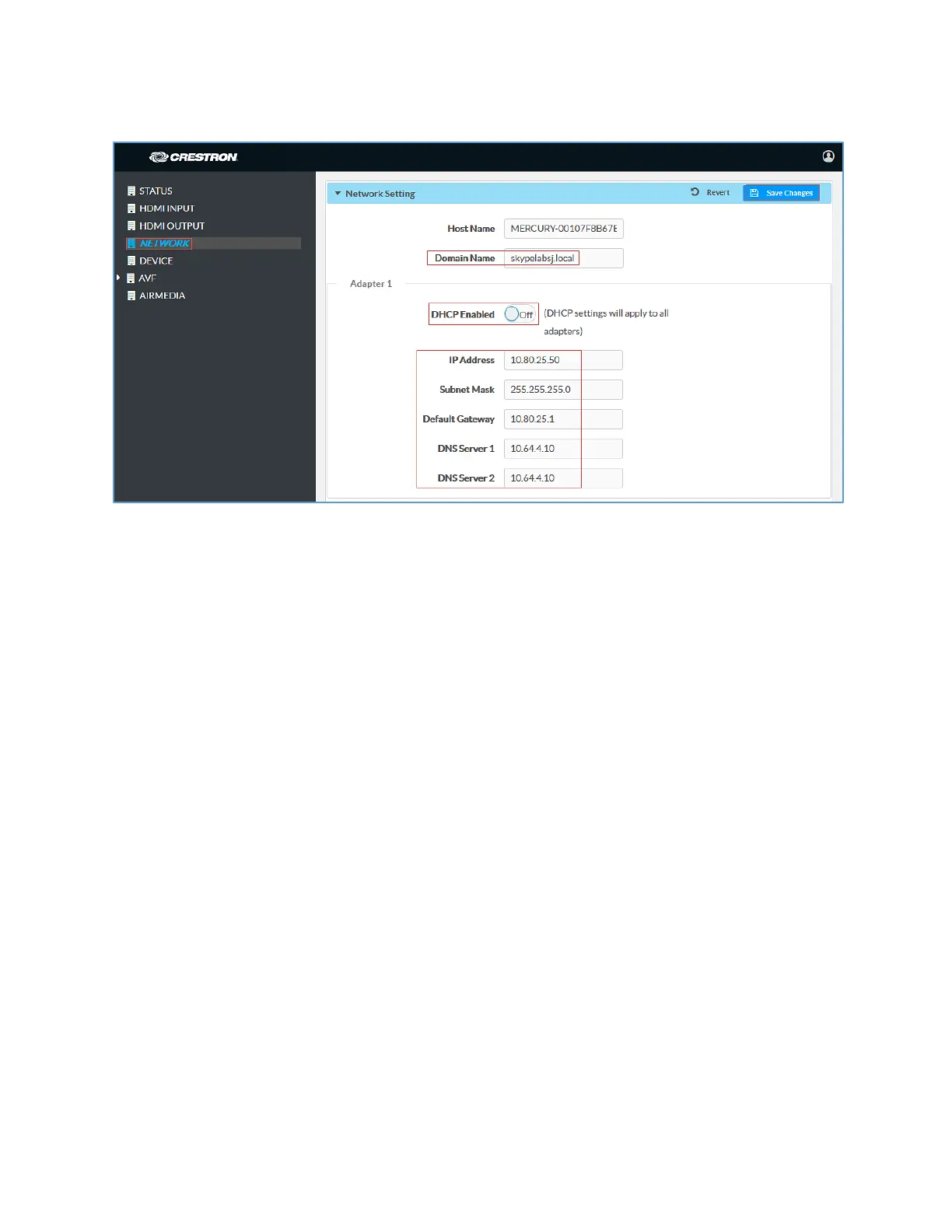
Crestron Mercury: Network Setting: DHCP Off: Static IP Configured
4. Enter the following parameters in the
section to configure the Crestron
Mercury device.
•
: skypelabsj.local was used in this test
•
: Choose either of the following:
o Obtain an IP address automatically
o Use the following IP address
For the test, a static IP was configured.
: 10.80.25.50 was used in this example
: 255.255.255.0 was used in this example
: 10.80.25.1 was used in this example
: 10.64.4.10 was used in this example
5. Click
.















 To Next Page