Configuration Guide – DOC. 7991A CCS-UC-1: Secure SIP Endpoint with Cisco UCM 11.0
5
2. Click
and log in to the device. For information on device administration,
refer to the CCS-UC-1 Supplemental Guide (Doc. 7844) at
www.crestron.com/manuals.
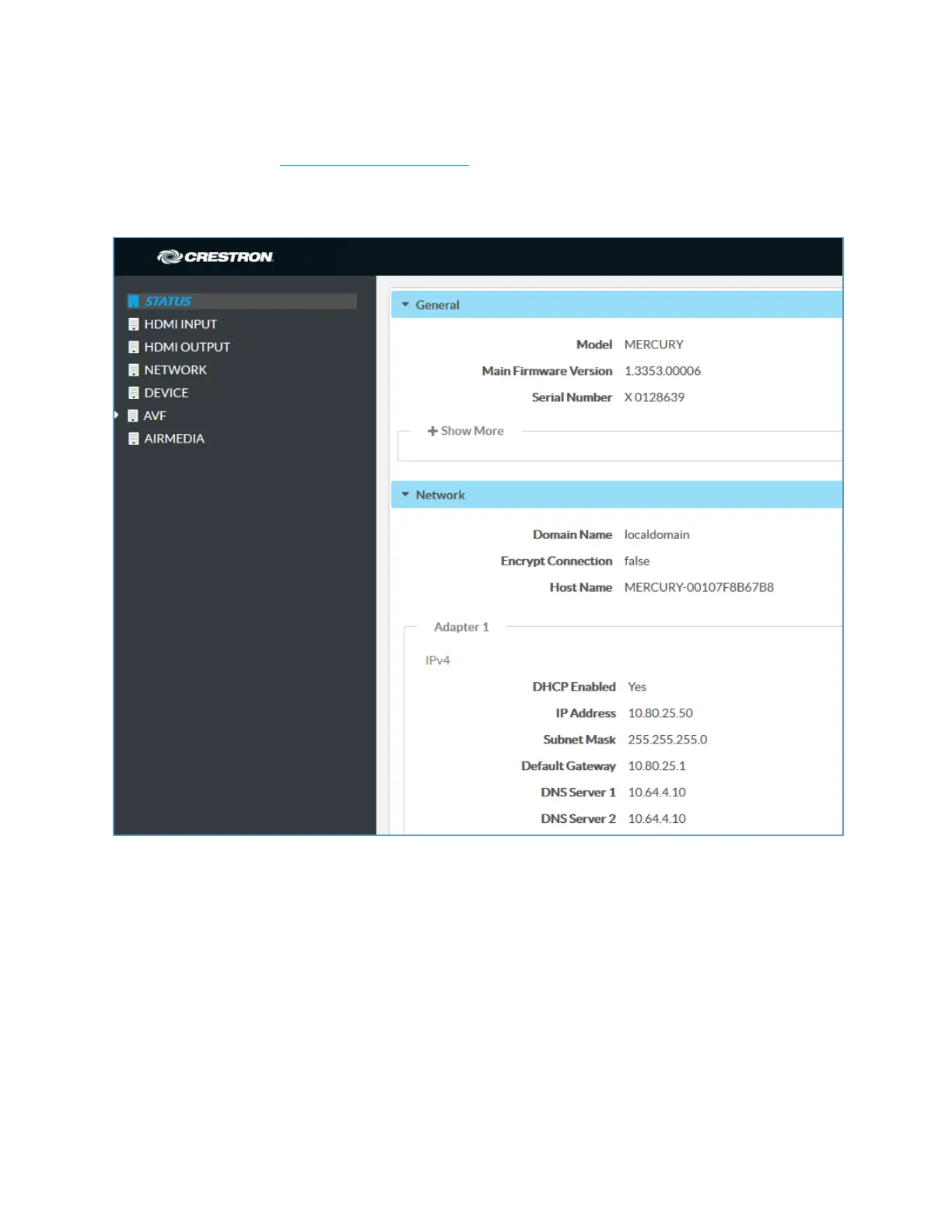
The Status screen that appears displays basic information on the device.
The device can be configured from the
page.
3. On the web GUI, navigate to
.















 To Next Page