101
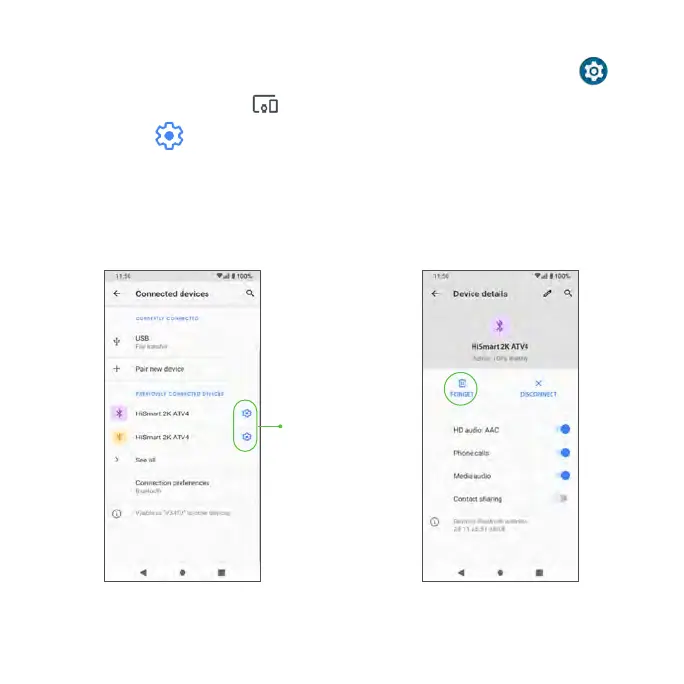
To forget a paired device
1. From the Home screen, swipe up to access Apps and tap Settings .
2. Tap Connected devices .
3. Tap Settings next to the device you wish to forget.
4. Tap FORGET > FORGET DEVICE.
• The device will be unpaired from your phone. To reconnect with the
device, you will need to pair again.
Tap Setting Icon



 To Next Page