72
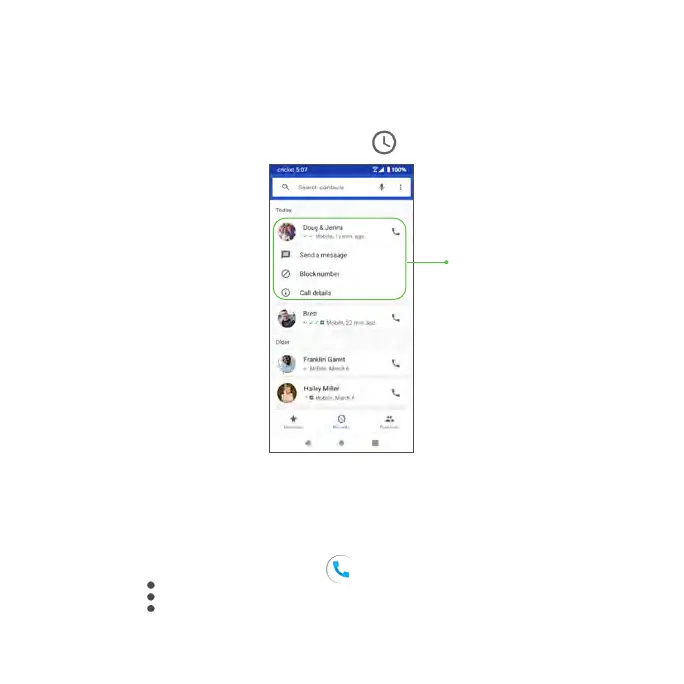
• You can tap a contact in the Call Log to display more options.
• Call: Make a call to the selected contact/number.
• Send a message: Send a text message to the contact/number.
• Call details: View detailed call information.
• Delete: Delete the call from Recents .
Call settings
Configure your voicemail options and a number of other settings for your calls.
Call settings options
1. From the Home screen, tap Phone .
2. Tap Menu > Settings.
3. Configure your phone settings.
Tap a contact to
display options



 To Next Page