178
Security update
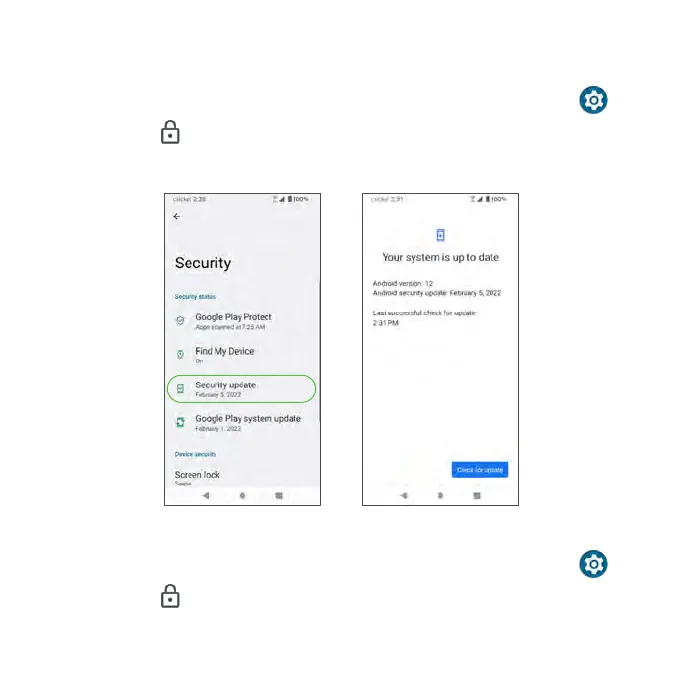
Check for new software updates for your device.
1. From the Home screen, swipe up to access Apps and tap Settings .
2. Tap Security > Security update.
3. Tap Check for update to check for updates.
Google Play system update
1. From the Home screen, swipe up to access Apps and tap Settings .
2. Tap Security > Google Play system update.
3. Tap Check for update to check for updates.



 To Next Page