170
Accessibility
The Accessibility settings menu allows you to manage accessibility-related
apps. Accessibility services are special features to make the device easier to
use for those with certain physical disabilities.
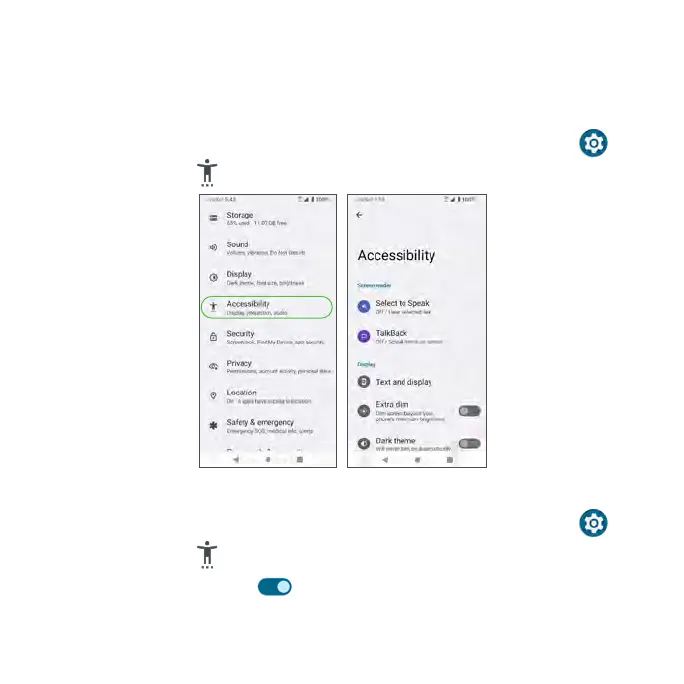
1. From the Home screen, swipe up to access Apps and tap Settings .
2. Tap Accessibility .
Select to Speak
1. From the Home screen, swipe up to access Apps and tap Settings .
2. Tap Accessibility > Select to Speak.
3. Slide the switch to the On position to enable the Select to Speak
shortcut.



 To Next Page