160
Battery Usage
Monitor the amount of battery being used by apps from the last full charge. If
battery usage increases too much, your phone will suggest actions you can
take.
1. From the Home screen, swipe up to access Apps and tap Settings .
2. Tap Battery , then tap the Battery Usage to ensure apps are running
normally.
Battery Saver
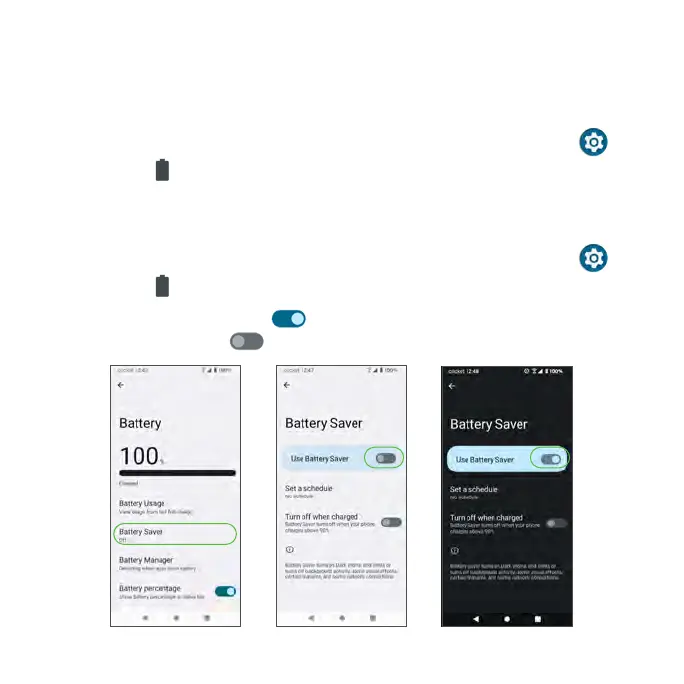
1. From the Home screen, swipe up to access Apps and tap Settings .
2. Tap Battery > Battery Saver.
• Slide the switch to the On position to turn Battery Saver on, or slide
the switch to the Off position to turn the Battery Saver off.



 To Next Page