201
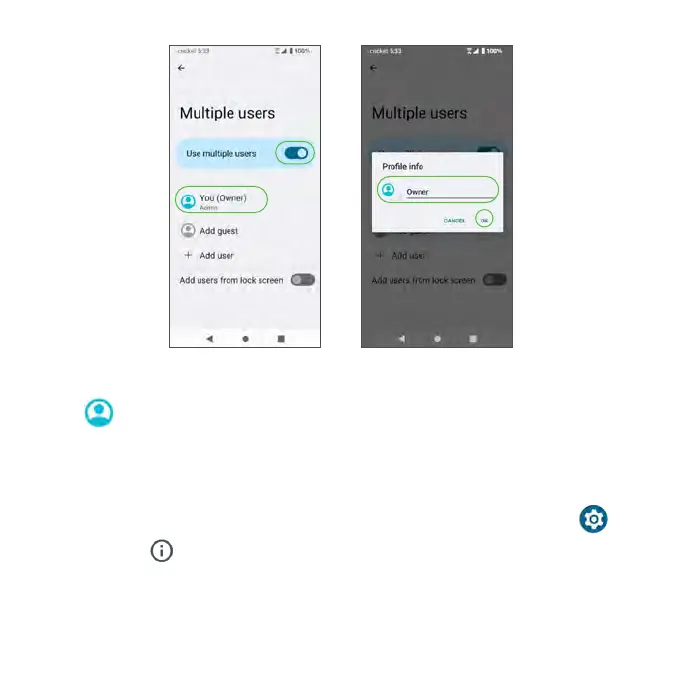
4. Enter a name.
5. Tap to add a photo.
6. Tap OK to confirm.
Reset options
1. From the Home screen, swipe up to access Apps and tap Settings .
2. Tap System > Reset options.
• Reset Wi-Fi, mobile & Bluetooth: Reset all network settings, including
Wi-Fi, Mobile data, and Bluetooth. Tap RESET SETTINGS to reset.
• Reset app preferences: Reset all app preferences, including disabled



 To Next Page