167
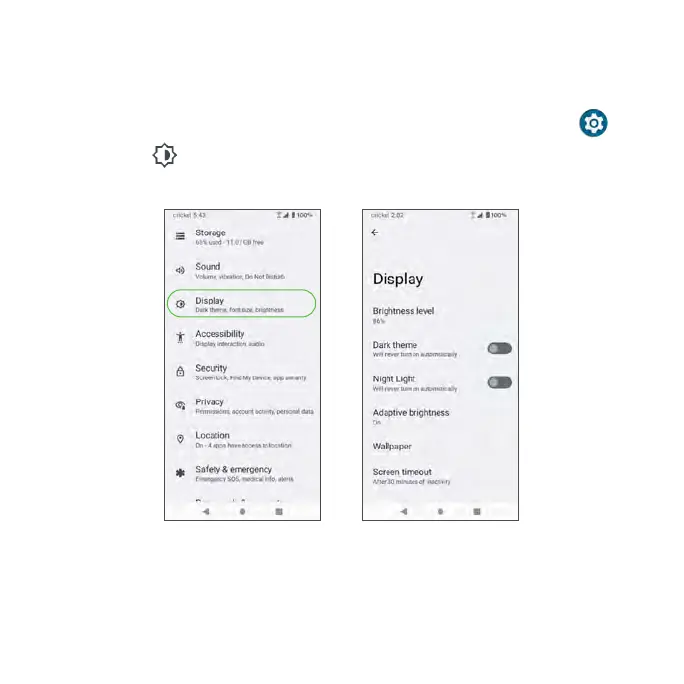
Display
Usethephone’sDisplaysettingsmenutoadjustitemssuchaswallpaper,
brightness,screen timeout, and more.
1. From the Home screen, swipe up to access Apps and tap Settings .
2. Tap Display .
Brightness level
Tap to adjust the screen brightness level. Drag the slider to manually adjust
the brightness level.



 To Next Page