196
System
Manage detailed settings for your phone, including language and input
settings, battery and storage, date and time, etc.
Languages & input
Set the language for the phone’s menus and keyboards, select and
configure keyboard settings, configure speech input settings, and more.
Languages
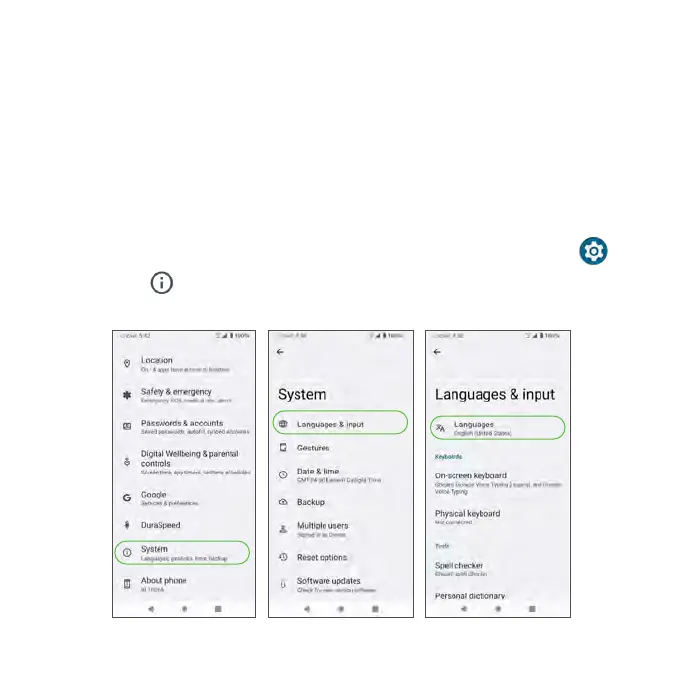
1. From the Home screen, swipe up to access Apps and tap Settings .
2. Tap System > Language & input > Languages.



 To Next Page