198
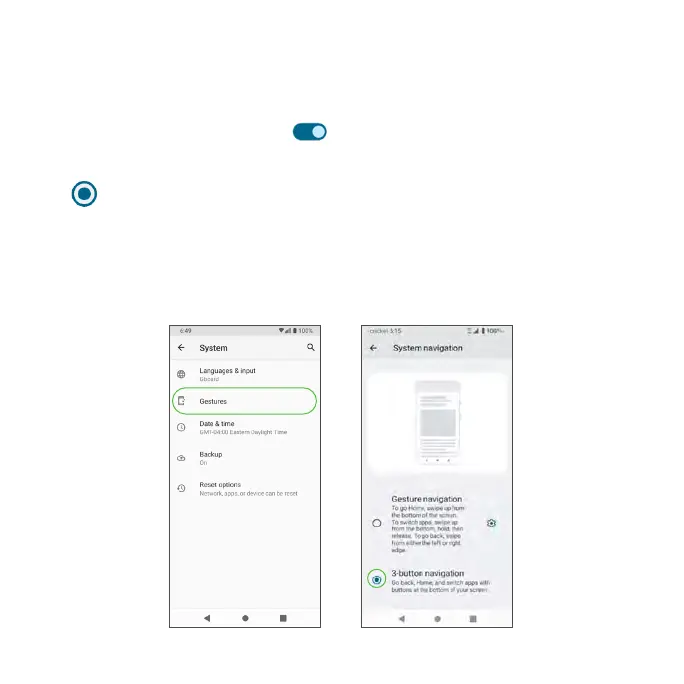
Gestures
Quickly open camera
Open the Camera app from any screen by quickly pressing the Power key
twice. Slide the switch to the On position to enable.
System navigation
Tap next to Gesture navigation or 3-button navigation to select.
• Gesture navigation: To get Home, swipe up from the bottom of the
screen. To switch apps, swipe up from the bottom, hold, then release. To
go back, swipe from either the left or right edge.
• 3-button navigation: Go back, Home, and switch apps with buttons at
the bottom of your screen.



 To Next Page