125
Google
Search for information saved on the phone, in apps, and on the Internet.
Use Google
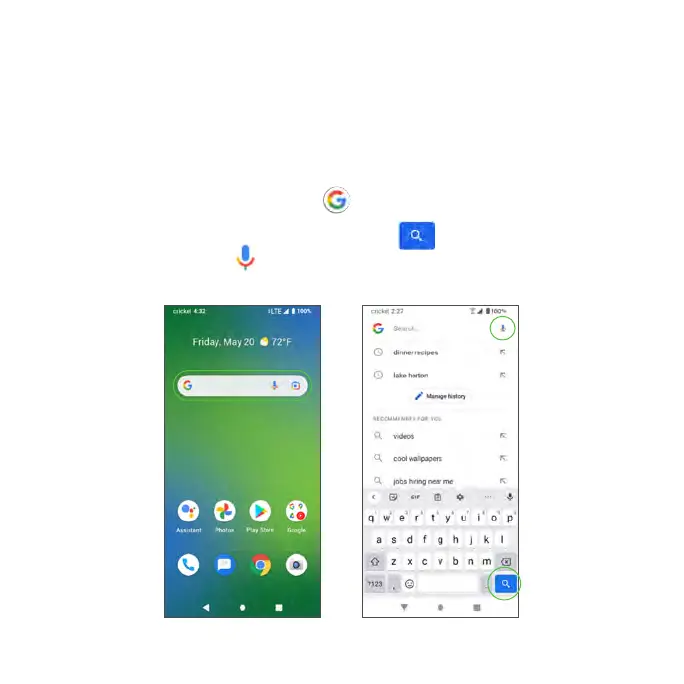
1. From the Home screen, tap the Google bar.
Tip: You can also access Google by swiping up on the Home screen to
access Apps and tapping Google , or from within the Google folder.
2. Type your search keywords and tap Search . To search by voice, tap
Google Voice Search in the search bar and say your search terms.



 To Next Page