124
Maps operations
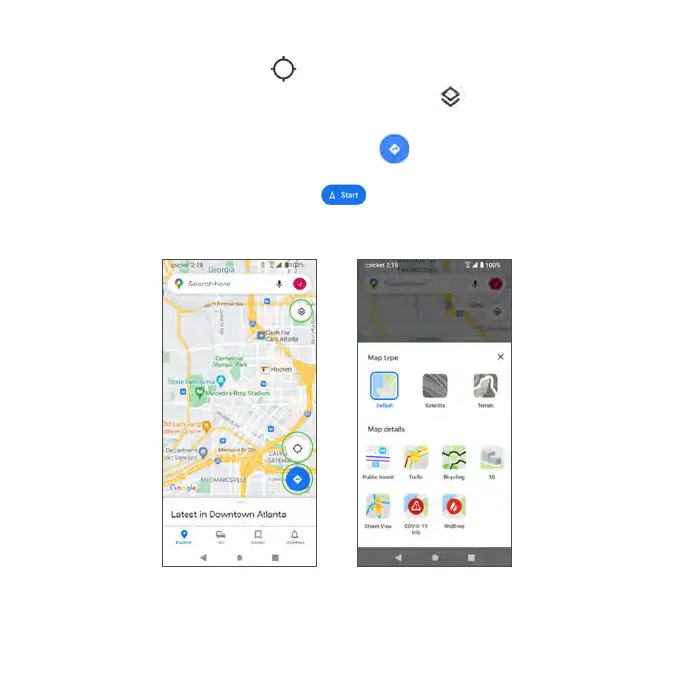
• View current location: Tap to find your current location on the map.
• Select map types for different views: Tap Menu and select a map view
such as traffic, satellite, etc.
• Find a route to your destination: Tap Go , enter your desired start
location and destination, tap a method of transportation (car, public
transit, or on foot), then tap START for step-by-step directions to your
destination via the Navigation for the Maps app.



 To Next Page