123
Search for destinations
Use Maps to locate and map a specific address or destination.
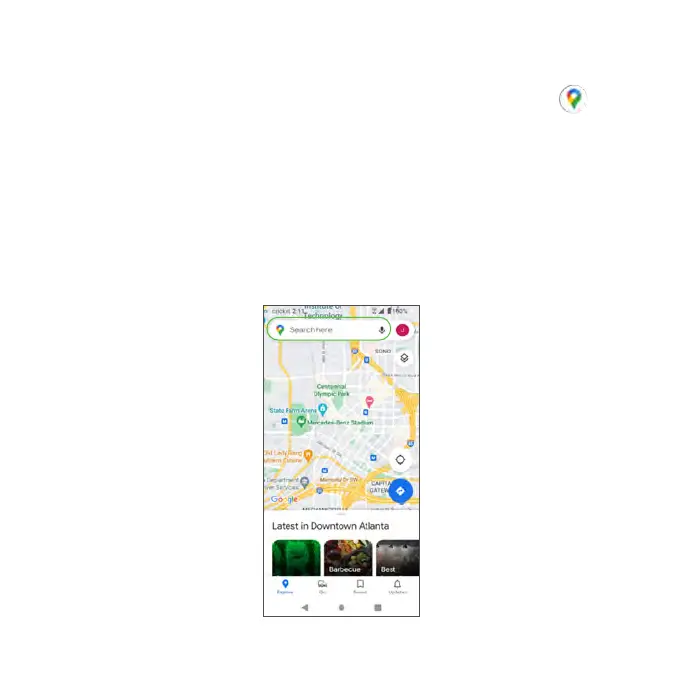
1. From the Home screen, swipe up to access Apps and tap Maps .
Tip: You can also access the Maps app from the Google folder on the Home
screen.
• If prompted, follow the on-screen instructions to accept terms of use.
2. Tap Search here.
3. Enter an address, city, facility name, etc., then choose a search result. You
will see your location on the map.



 To Next Page