106
Icon Function/Service
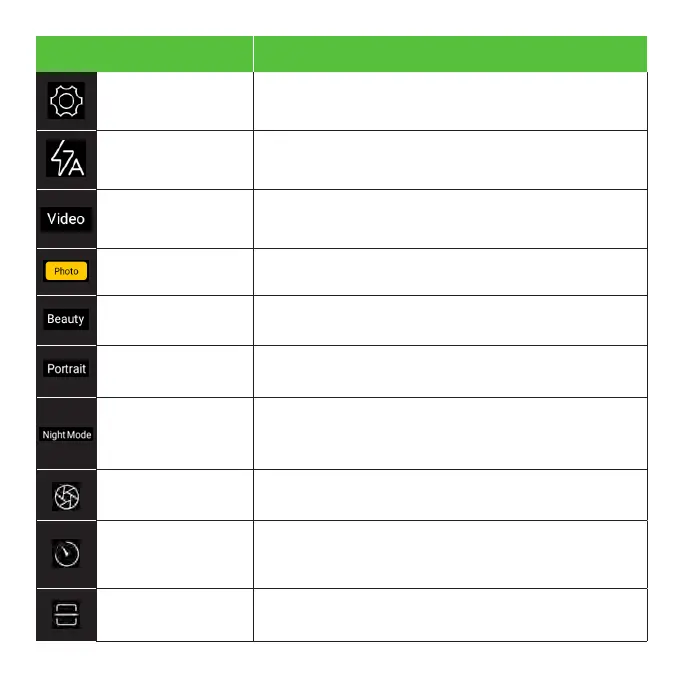
Settings Select camera modes and settings options.
Flash Activate or deactivate the camera flash.
Video mode Record videos and access video settings.
Photo mode Capture photos and access camera settings.
Beauty mode
Minimizes imperfections and brightens facial
features.
Portrait mode
Produces a blurred background effect to make
the subject of your photo stand out.
Night mode
Illuminate your photos. Night mode uses multi-
frame processing to combine 8 images into
one clear photo.
Pro mode
Allows you to manually adjust the shutter
speed, ISO, white balance, and more.
Time Lapse
Take a series of still images of the same frame
at regular intervals over a period of time, then
play through the entire sequence rapidly.
QR Scan
Allows you to scan QR codes without
downloading an app.



 To Next Page