113
View photos and videos
After capturing a photo or video, tap the thumbnail image at the bottom left
corner of the screen to view it. From there, you can share, edit, or delete the
photo or video.
Options while viewing photos or videos
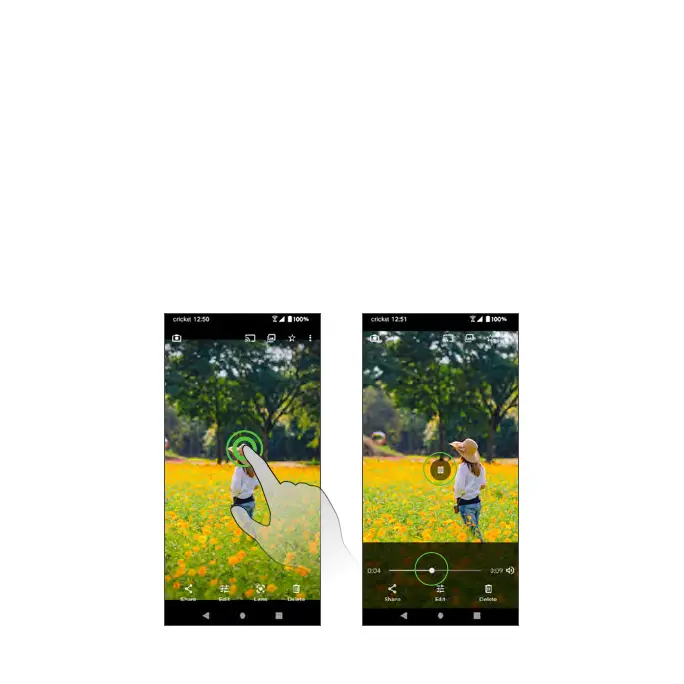
Zoom in or out on a photo or video: Tap the screen twice to automatically
zoom in or out on a photo or video. Then you can use your thumb and
forefinger in a pinching motion on your screen to zoom out, or spread them to
zoom in when viewing a picture.
Viewing videos: Use the on-screen controls to play, pause, or stop the
video playback.



 To Next Page