142
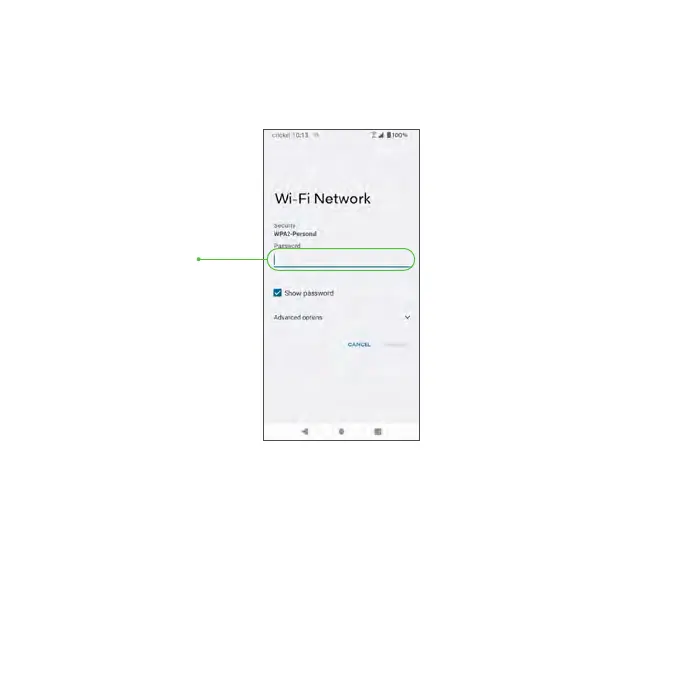
5. Tap the Wi-Fi network you want to connect to, enter the password (if
applicable), and tap CONNECT. Your phone will be connected to the
selected Wi-Fi network.
Wi-Fi Password
• The password, for a household wireless LAN router is sometimes found
on a sticker on the router (WEP, WPA, KEY, etc.) or QR code. Contact the
router manufacturer for information. For the password for a public wireless
LAN, check with user’s service provider.
• Entering a password is not required if an access point is not security protected.



 To Next Page