27
Switch between recently opened apps
You can easily switch between the apps you’ve recently opened.
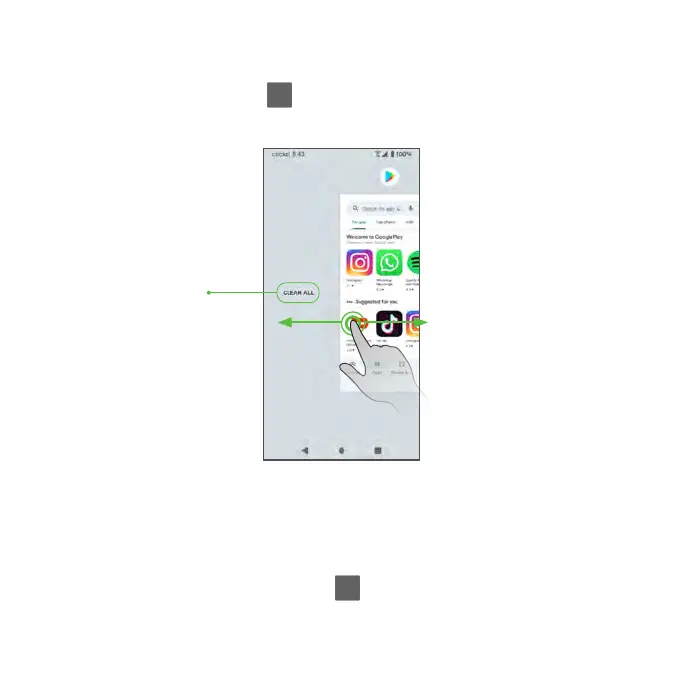
Tap the Recent Apps button to see your recently opened apps.
1. To close an app, swipe it up.
2. To close all of the apps and clear the list, tap CLEAR ALL.
You can tap the Recent Apps button to quickly switch between the two
most recently used apps.
Tap to clear all apps



 To Next Page