65
Receive a call
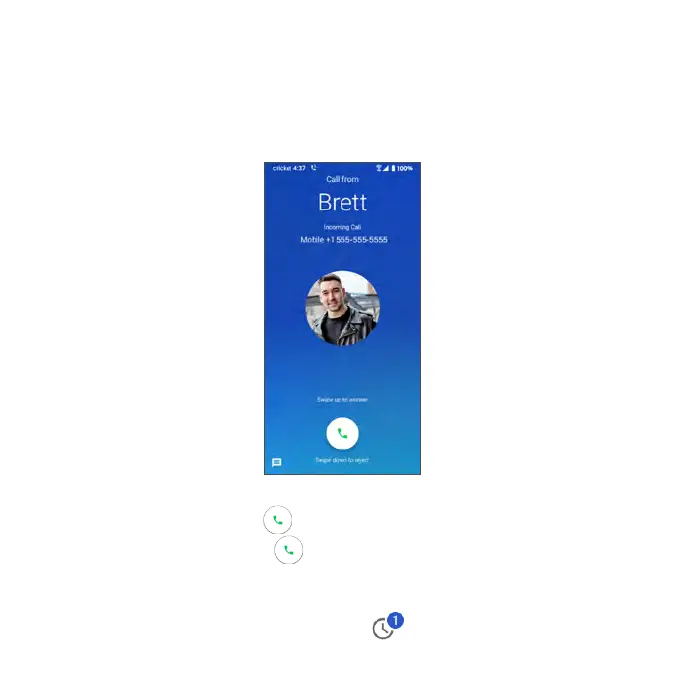
The Incoming Call screen is displayed when a call is received, along with the
caller’s numbers and other information you’ve entered for that contact. When
you receive a phone call from someone who is not stored in Contacts, only the
default caller ID icon and phone number appear on the Incoming Call screen.
• To ans wer a call, swipe up .
• To reje c t a call, swipe down .
• Rejected calls will be sent to voicemail.
• Press any side key to mute the ringer.
• Any missed calls are logged in Recents .



 To Next Page