70
Place a call from Contacts
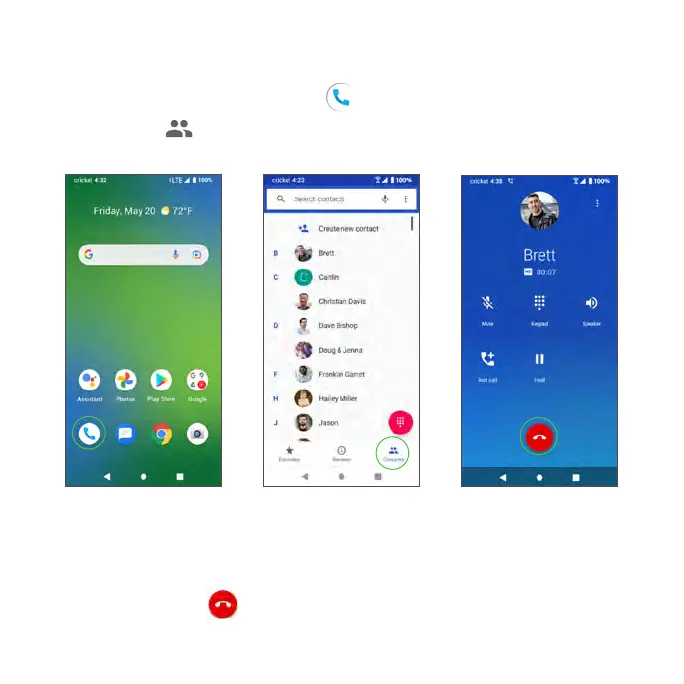
You can place phone calls directly from your Contacts list.
1. From the Home screen, tap Phone .
2. Tap Contacts to display the Contacts list.
3. Tap a contact.
4. Tap a contact’s number to call to place a call.
5. To end the call, tap .



 To Next Page