84
Note: Messages exceeding a limited amount of characters will be delivered
as one message but may incur additional charges. A counter appears
below Send to tell you how many characters you have entered and how
many characters are left.
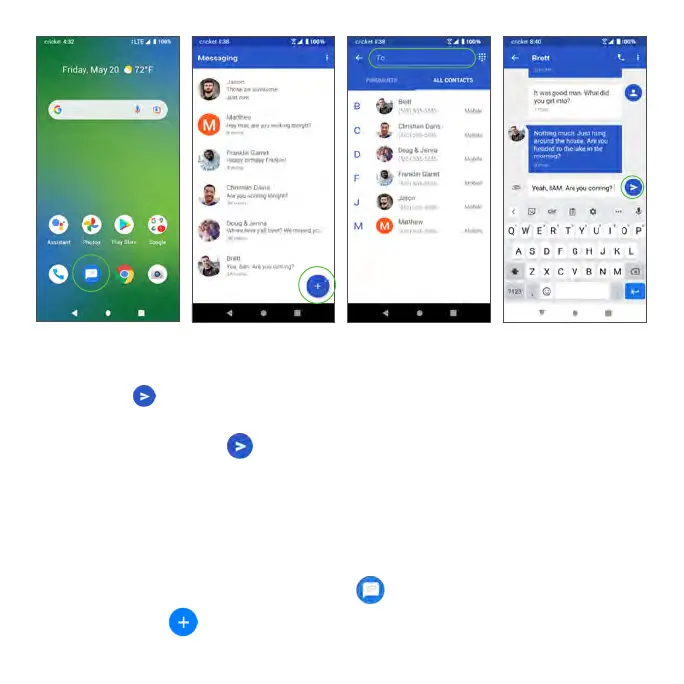
5. When done, tap Send to send the text message.
Note: Your text message automatically becomes a multimedia message if
you enter an email address as the recipient, attach an item, or compose a
very long message.
Send a multimedia message (MMS)
1. From the Home screen, tap Messages .
2. Tap Compose .



 To Next Page