Operations | JetSort
®
2000 series | 13
Stop Limits: Programmable Jet-Stops (PJS)
A PJS limit is the amount at which coins stop filling boxes for each denomination. PJS limits
can be set to restrict the number of coins within a box or to restrict the value of coins within a
box. PJS limits are entered and stored in the JetSort memory via the PJS menu. Factory-default
limits for the first two settings are (1) FULL and (2) HALF. An additional 97 setting limits
may be programmed via the PJS menu.
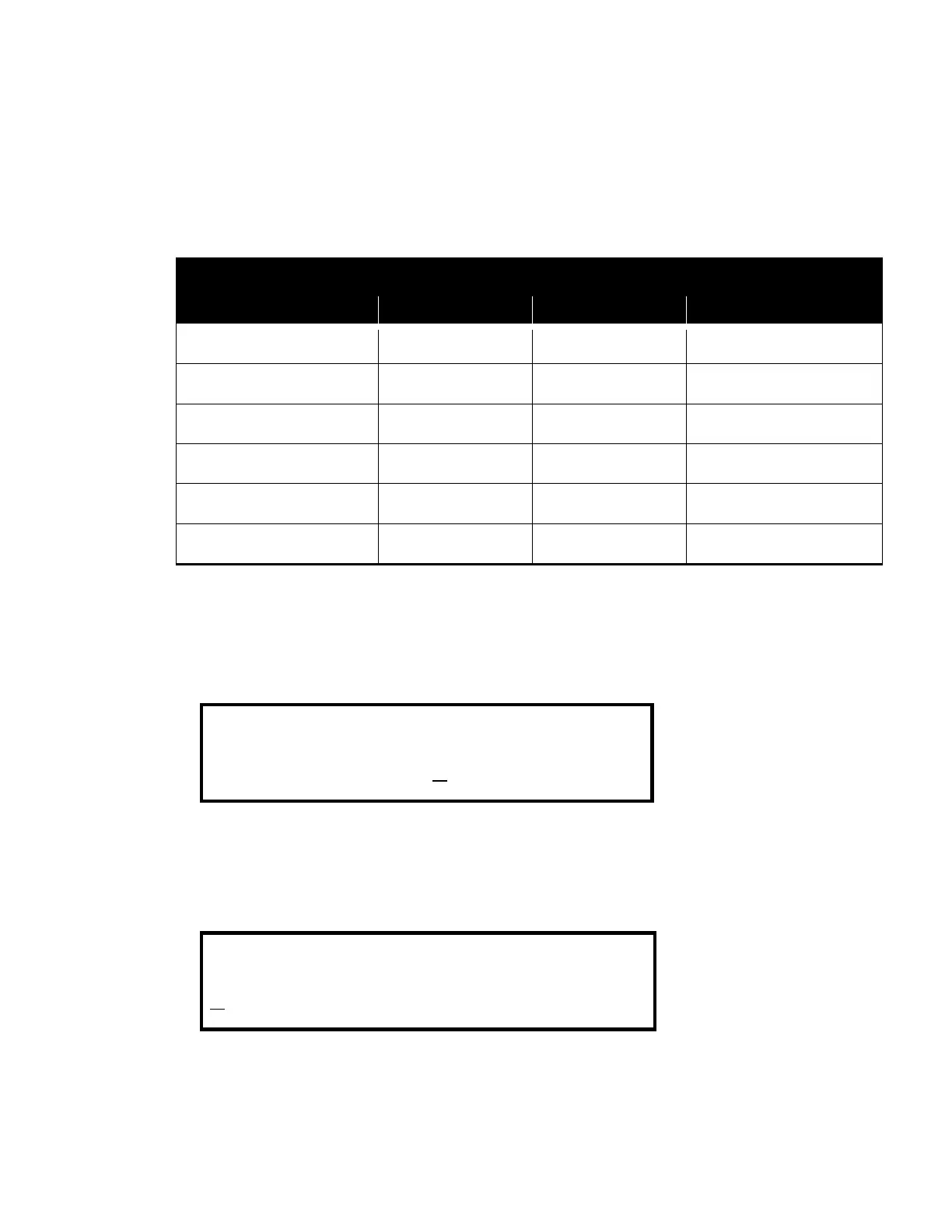
1,000 5,000 $10/$50
500 4,000 $25/$200
1,000 10,000 $100/$1,000
500 4,000 $125/$1,000
200 2,000 $100/$1,000
200 2,000 $200/$2,000
View PJS Limits
1. Press PJS.
2. Press < or > to select the desired denomination. Shown below, the five cent limit is 500
coins. To reach the 25¢, 50¢, $1 screen, press < or > until the screen appears.
3. Press PJS to return to the Batch Ended Condition.
Recall PJS Limits
1. Press PJS.



 To Next Page