Setup | JetSort
®
2000 series | 33
Print Format 2
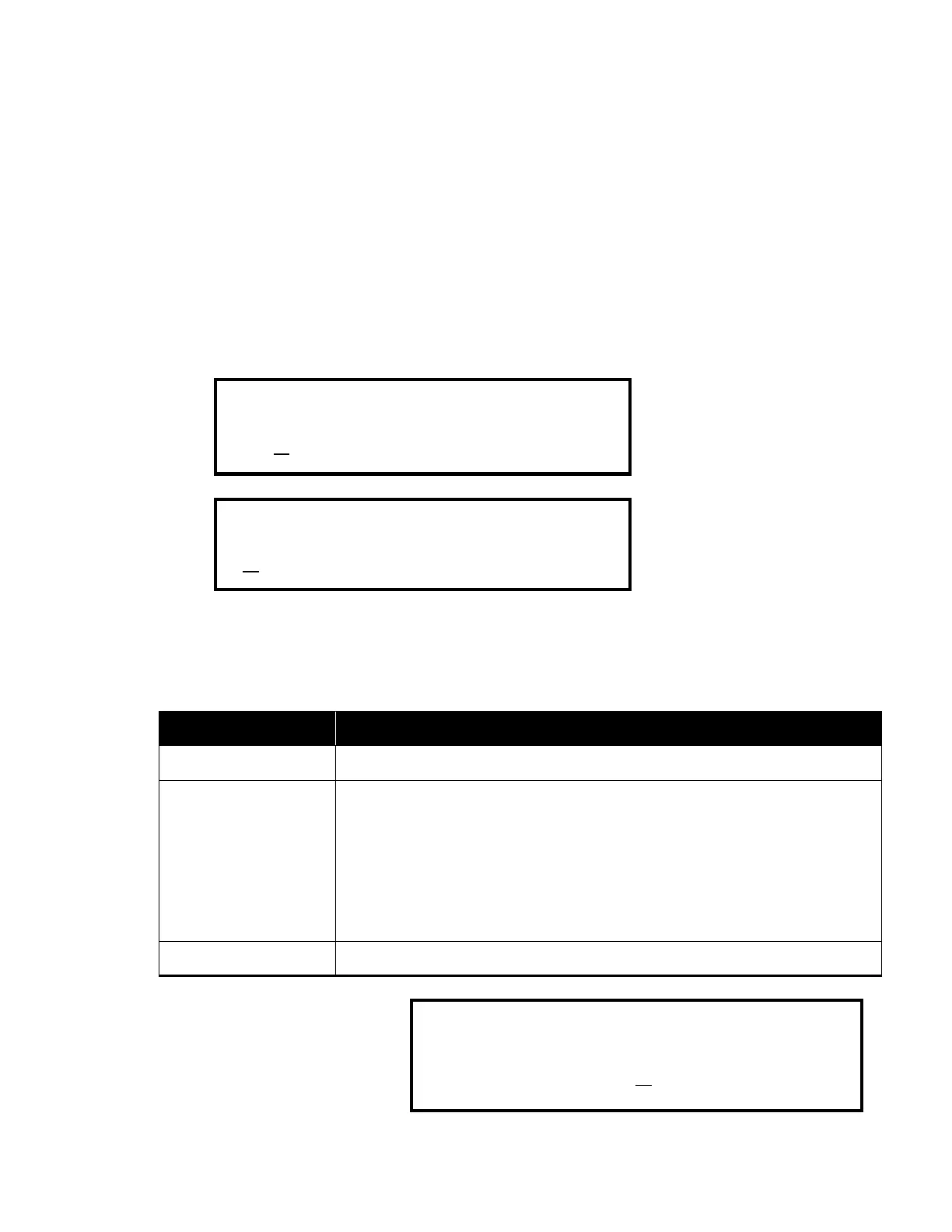
Print Format 2 has two features: 1) ID Breakdown and 2) Red Totals. The ID Breakdown
feature details each transaction by user ID on printed reports. To properly record IDs for this
printed report, the ID Codes feature must also be On (for more information, see SETUP/ID
Codes). The Red Totals feature highlights specific totals on reports by using red and black ink
(see table below).
ID Breakdown
1. Press MODE/COIN to move the cursor to the bottom menu line.
2. Press CONT to select
id
Brkdn or NO
id
Brkdn.
3. Press < or > to advance to Format (2).
Print Red Totals
The Red Totals setting allows the user to select red ink on printed reports for totals and IDs.
Reports print in black ink.
Red 1
Fields that are printed in red ink when a Citizen IDP560 RSL serial printer is
used:
A:
B:
C:
D:
GRAND TOTAL
DECLARED BALANCE VARIANCES
move the cursor to the
Red -, Red1, or Red2.



 To Next Page