Operations | JetSort
®
2000 series | 5
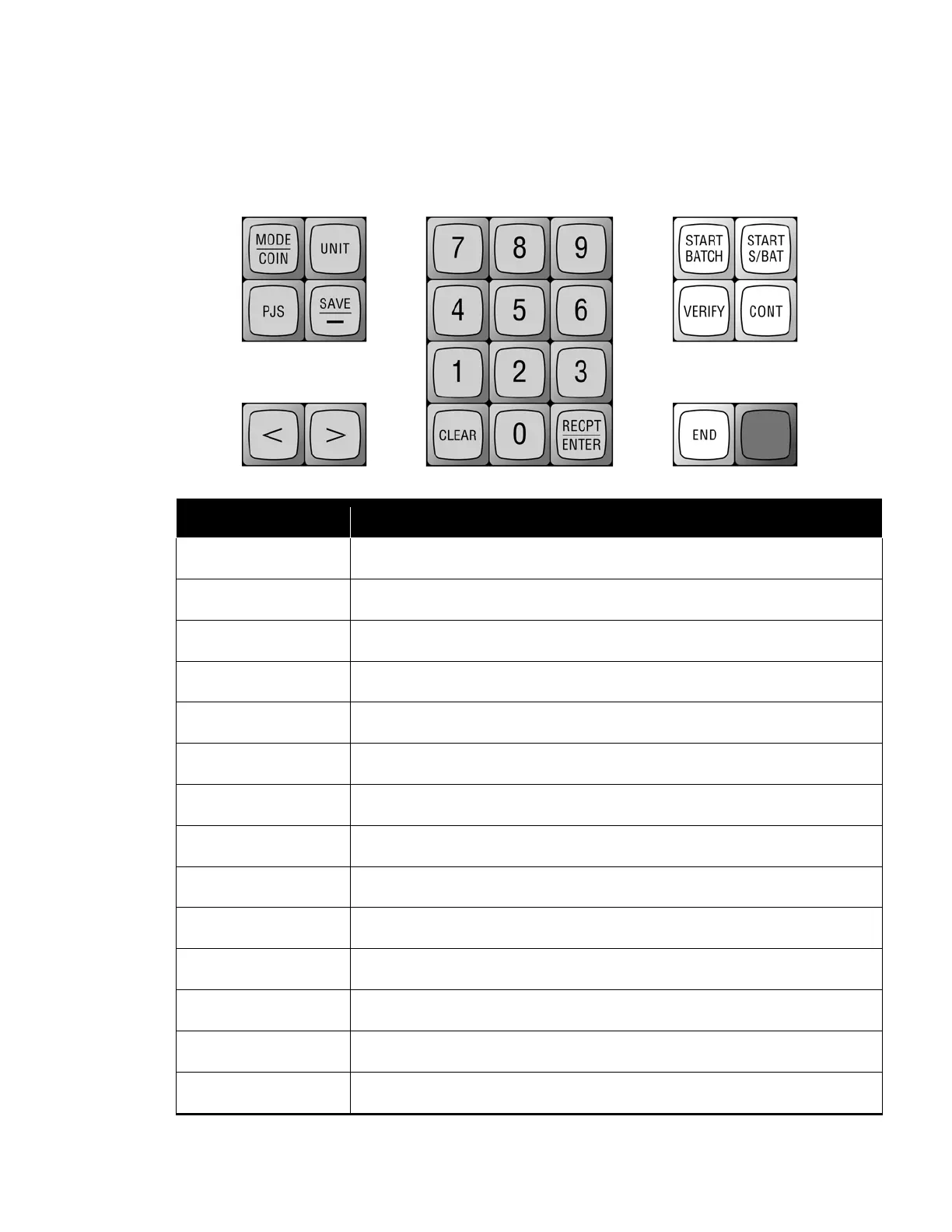
Control Panel
The control panel includes a numeric keypad and various function keys. Key operations are
described below:
Enter and exit feature setup mode.
Convert displayed dollar value to unit value.
Access stop-limit settings.
Save a stop-limit setting. Insert dashes for entry of date labels.
Move cursor left.
Move cursor right.
Set totals to zero; clear entries.
Save entries in set up or during coin processing.
View coin, receipt or combined totals.
Begin batch.
Begin sub-batch.
Count and sort coins without adding amounts to batch, sub-batch or day
totals.
Restart sort head to continue batch or sub-batch
End batch and/or sub-batch.
Stop coin processing. End Verify Mode. Print reports.



 To Next Page