Setup | JetSort
®
2000 series | 25
Labels
The Label menu allows users to identify batches and sub-batches on printed reports in four
user-defined categories. Labels, such as route numbers, bag numbers or customer #s may be
entered for each batch or sub-batch. Each label may have as many as 12 digits Label
information is entered during batch processing and is not stored in long-term memory.
Labels will print within batch and sub-batch reports according to the following descriptions.
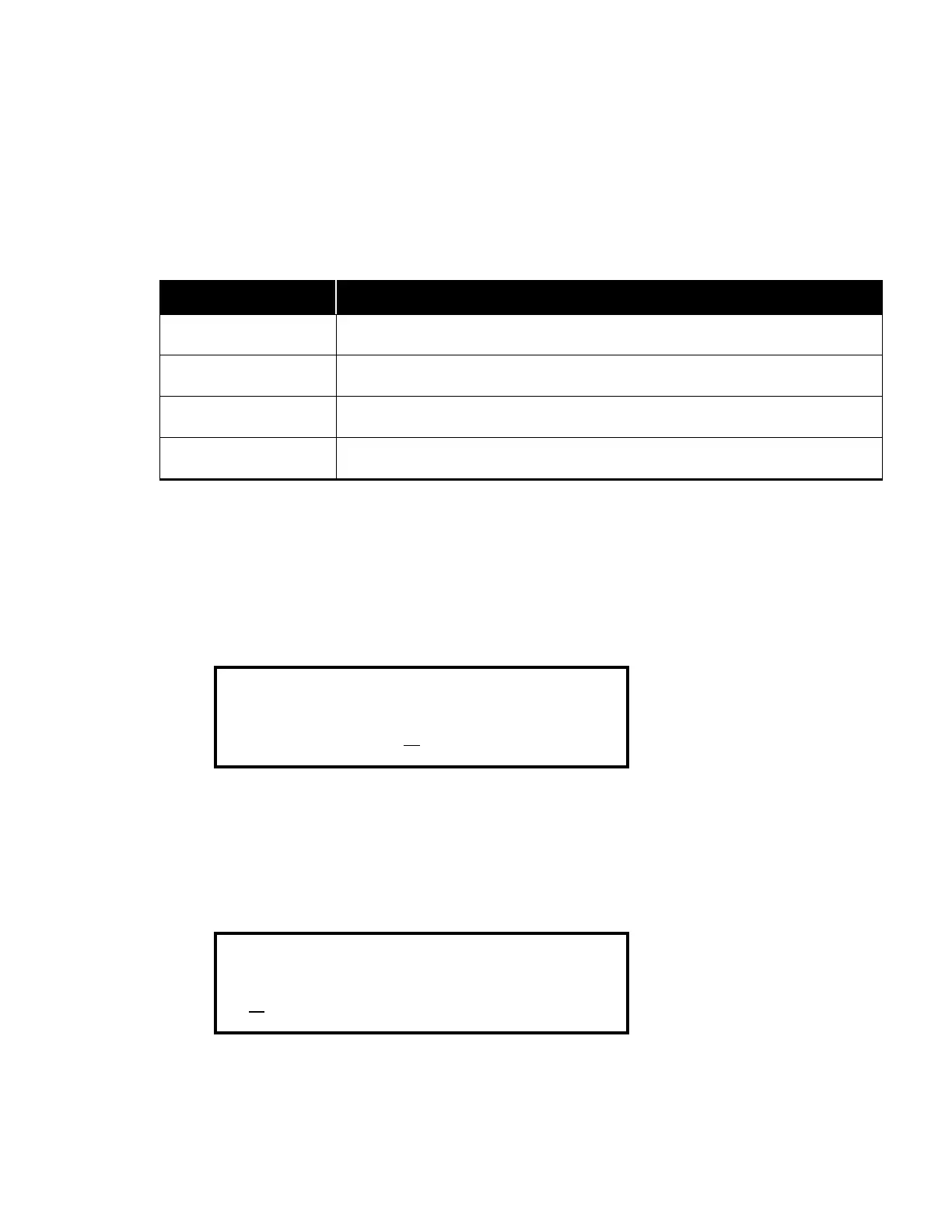
Label Heading Description
A
Batch label: only appears in printed batch reports.
B
Batch/Sub-batch label: appears in printed batch and sub-batch reports.
C
Sub-batch label: only appears in printed sub-batch reports.
D
Sub-batch label: only appears in printed sub-batch reports.
Turning Labels On/Off
Each label may be set independently. The default for each setting is Off.
1. Press MODE/COIN to move the cursor to the bottom menu line.
2. Press < or > to scroll forward to the desired selection: A, B or C.
3. Press CONT to select On or Off.
Label D
Label D is set independently. The default for each setting is Off.
1. Press MODE/COIN to move the cursor to the bottom menu line under Off.
2. Press CONT to select On.



 To Next Page