34 | JetSort
®
2000 series | Setup
Communication Mode/Protocols
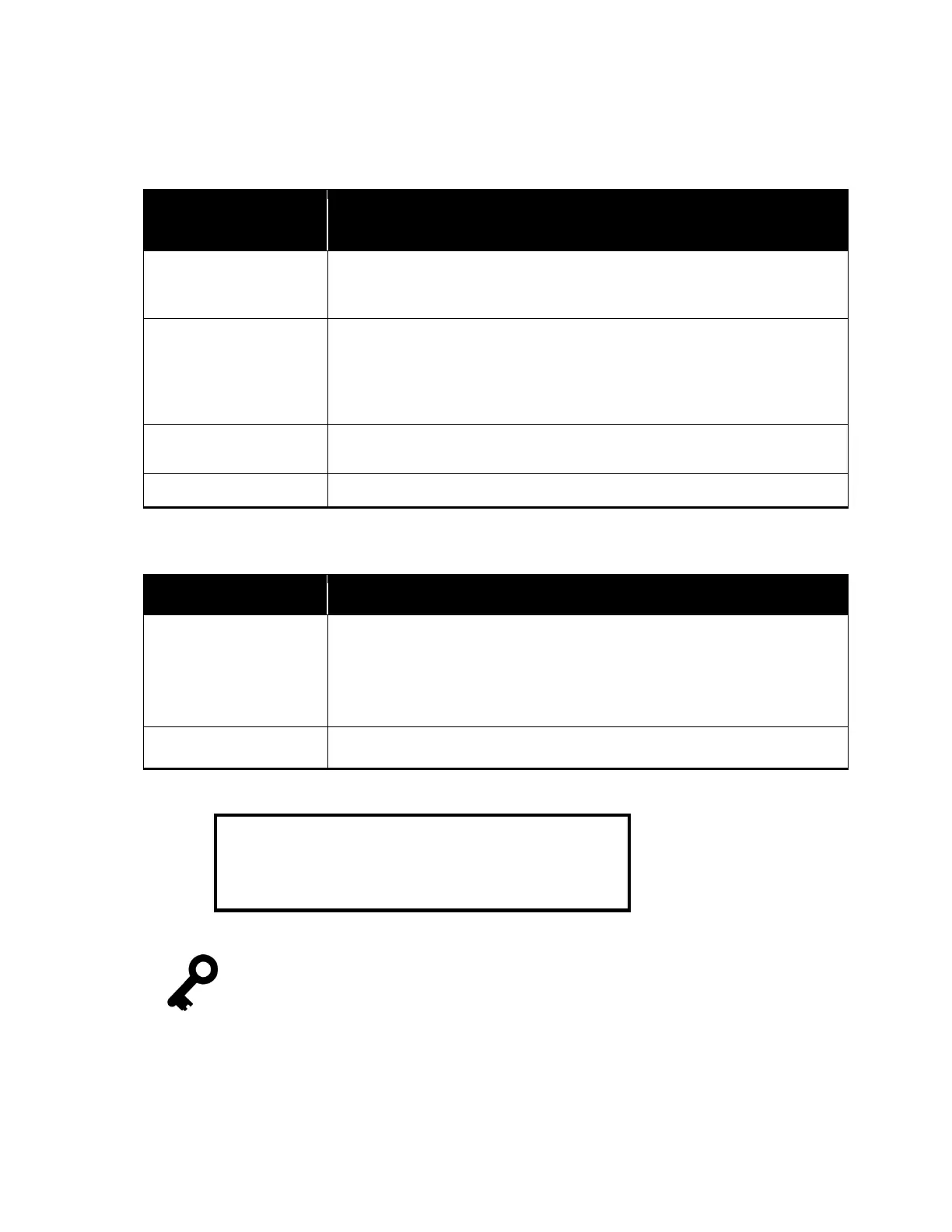
There are four Communication Protocols available when transmitting data from the JetSort to
a computer. They are Immediate, Polled, Immed + Lim and Poll + Lim.
Description
Immediate
JetSort initiates all transmissions:
Reports are sent through the communication port as soon as they are
generated whether by keystroke or bag limit warning.
Polled
Receiving computer initiates all transmissions:
The receiving computer must poll the JetSort for data. The JetSort can store
only the last sub-batch or batch. If another batch or sub-batch is started,
the JetSort will push the report through whether or not the computer is
Immed + Lim
Totals plus bag limits that were reached are immediately sent upon ending
batch
Totals plus bag limits are sent when computer polls JetSort.
There is also a communication option: Acknowledgement.
Acknowledge
(+ ACK)
“+ACK” is the factory-default setting.
JetSort has the option of receiving a "handshake" signal from the receiving
device (computer). To receive an acknowledgment, enable the
function by selecting +
. If JetSort does not get a response from the
computer, “Comm Link Error” appears.
Disable Acknowledge option.
Consult a Cummins Allison representative to set communication mode
protocols.



 To Next Page