40 | JetSort
®
2000 series | Reference
Never wipe sort disk or pad, except as instructed in this document.
1. Remove coin tray to access the inside of the machine.
2. Remove any stray coins or other objects by hand.
3. Vacuum interior areas to remove accumulated dust or debris.
4. Raise and inspect sort disk.
5. Remove any debris by hand and clean disk if needed using dry microfiber towel, a
clean cotton cloth, or a soft, non-metallic brush.
Sort head damage can result from using metallic brush.
Use only soft, non-metallic brush as instructed by a Cummins Allison
representative.
To prevent damage and to maintain coin-sorting function as
designed, do not brush sort pad that rests on lower disk.
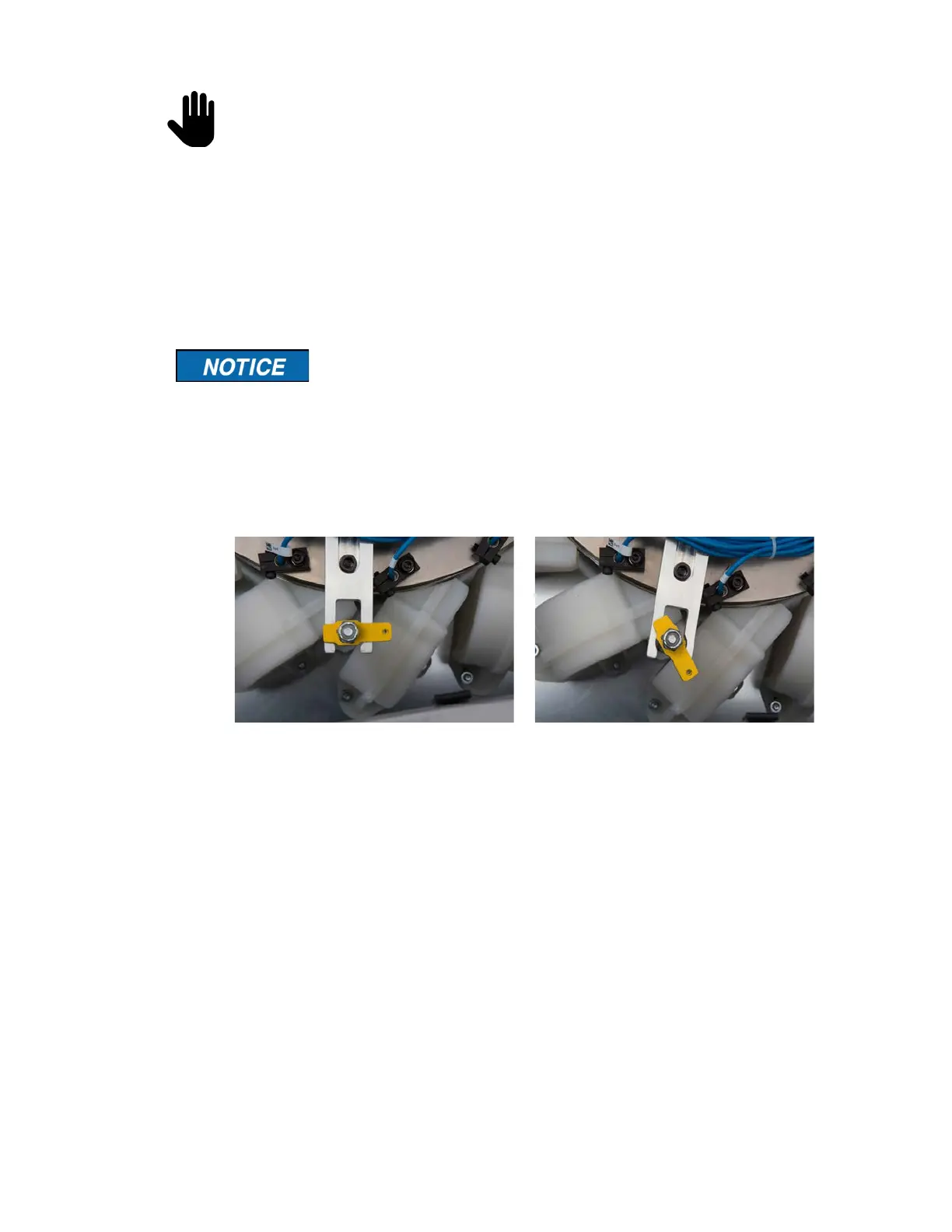
1. Lower sort disk and secure latch.
Incorrect: disk is not secured
2. Reinstall tray and secure in place.
3. Clean remaining exterior surfaces as needed with a Simple Green Safety Towel. If
using Simple Green concentrate, dilute 1 part Simple Green with 8 parts water. Apply
with microfiber towel.



 To Next Page