Example 2
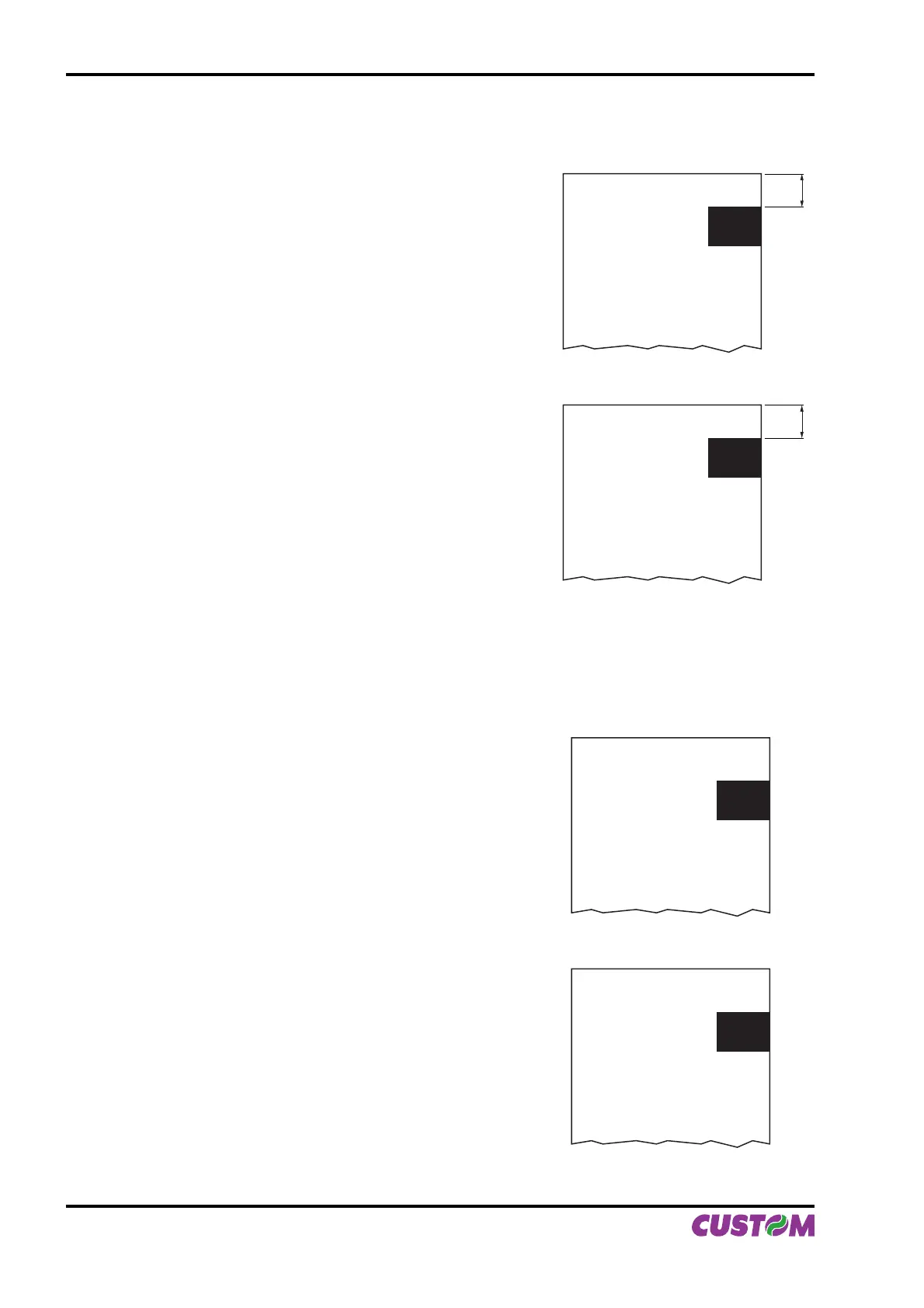
To cut 10 mm before the notch the command sequence is (this setting have effect after the ticket already in
the printer):
$1D, $E7, $00, $0A,
{Print text}
‘TICKET 1’,$0A,’FIRST LINE’,$0A,’SECOND LINE’,$0A
{Cut alignment}
$1D, $F8,
{Cut}
ESC,’i’,
...
{Print text}
‘TICKET 1’,$0A,’FIRST LINE’,$0A,’SECOND LINE’,$0A
{Cut alignment}
$1D,$F8,
{Cut}
ESC,’i’,
...
Example 3.
To print over the notch the command sequence is (this setting have effect after the ticket already in the
printer):
{Set Notch Distance}
$1D,$E7,$00,$00,
{Print text}
‘TICKET 1’,$0A,’FIRST LINE’,$0A,’SECOND LINE’,$0A
{Cut}
ESC,’i’
...
{Set Notch Distance}
$1D,$E7,$00,$00,
{Print text}
‘TICKET 1’,$0A,’FIRST LINE’,$0A,’SECOND LINE’,$0A
{Cut}
ESC,’i’,
...
(Fig.B.4)
(Fig.B.5)
TICKET N
FIRST LINE
SECOND LINE
10
TICKET (N+1)
FIRST LINE
SECOND LINE
10
TICKET N
FIRST LINE
SECOND LINE
TICKET (N+1)
FIRST LINE
SECOND LINE
APPENDIX B - ALIGNMENT MANAGEMENT
B-4 VKP80II User Manual



 To Next Page