B.4 METHODS OF USAGE
B.4.1 Command sequences
It is possible, when printing sequences of tickets, to primarily identify two different methods of operation that
involve the alignment: ticket aligned at the cut and ticket aligned at printing.
Another very important aspect to bear in mind is the condition from which printing commences. In fi gure
B.12, that shows a ticket aligned at the cut, it can be seen how every time a ticket printing begins this origi-
nates from an alignment at the cut, and therefore the distance between the start of the print area and the
alignment line is equal to the head-cutter distance. The same situation applies to an alignment at printing.
B.4.1.1 Alignment at the cut
The sequence of commands to be entered when wanting to align a ticket at the cut is as follows:
1. Ticket general setting; formatting of characters, print density, margins etc.
2. Print ticket: Printing of text, logos or any other graphics.
3. Alignment at the cut command: $1D $F8
4. Cut command
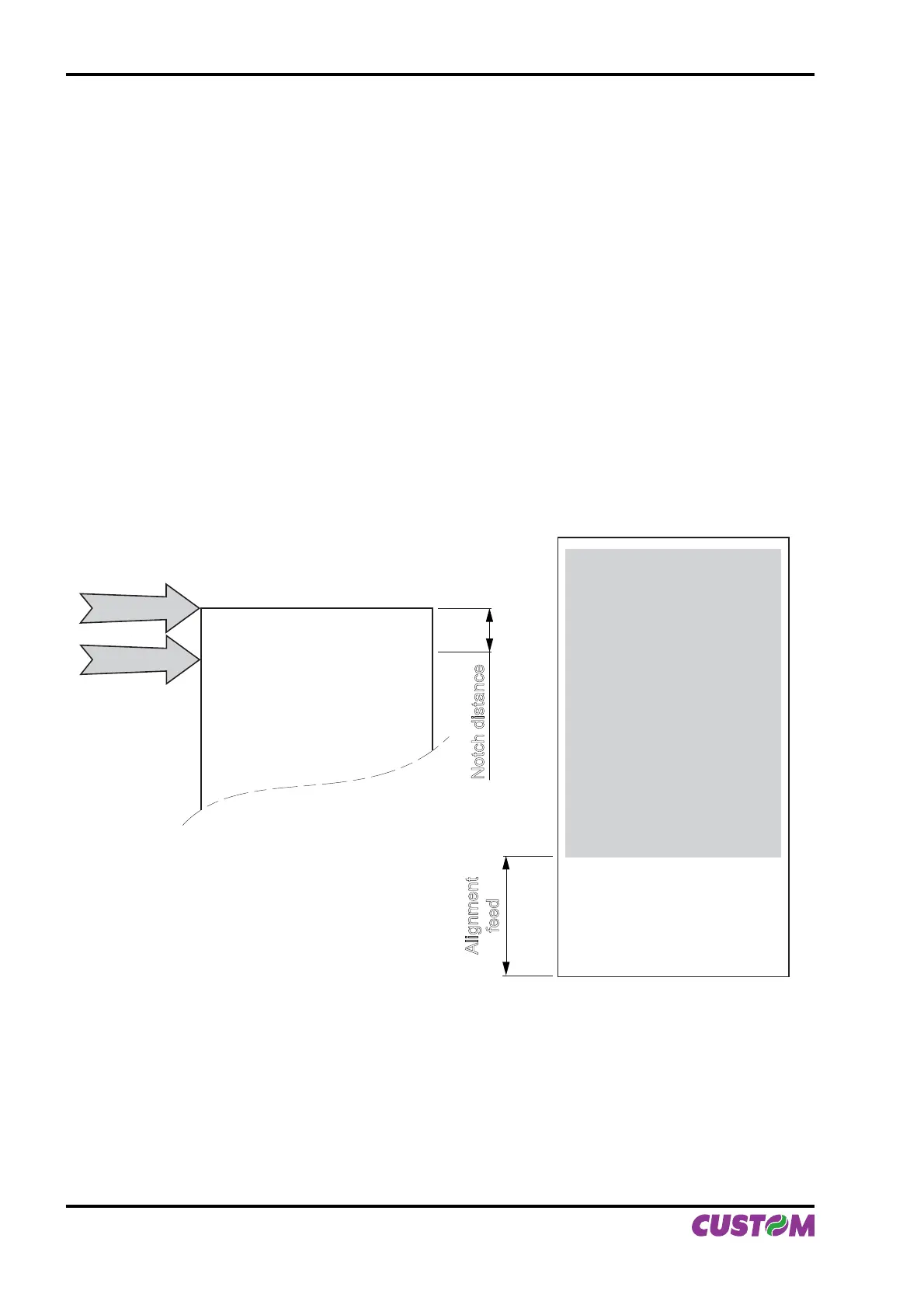
The result is shown in fi gure B.13.
CUTTER
PRINT HEAD
Printed area
PAPER IN
THE PRINTER
Notch distance
Alignment
feed
It is possible to see how the start of the ticket print area is not aligned, but the print starts in the rest position
that the head took up at the moment the previous ticket was cut. At the end of the print area the printer has
fed the paper through to align itself and perform the cut at the desired position.
(Fig.B.13)
APPENDIX B - ALIGNMENT MANAGEMENT
B-10 VKP80II User Manual



 To Next Page