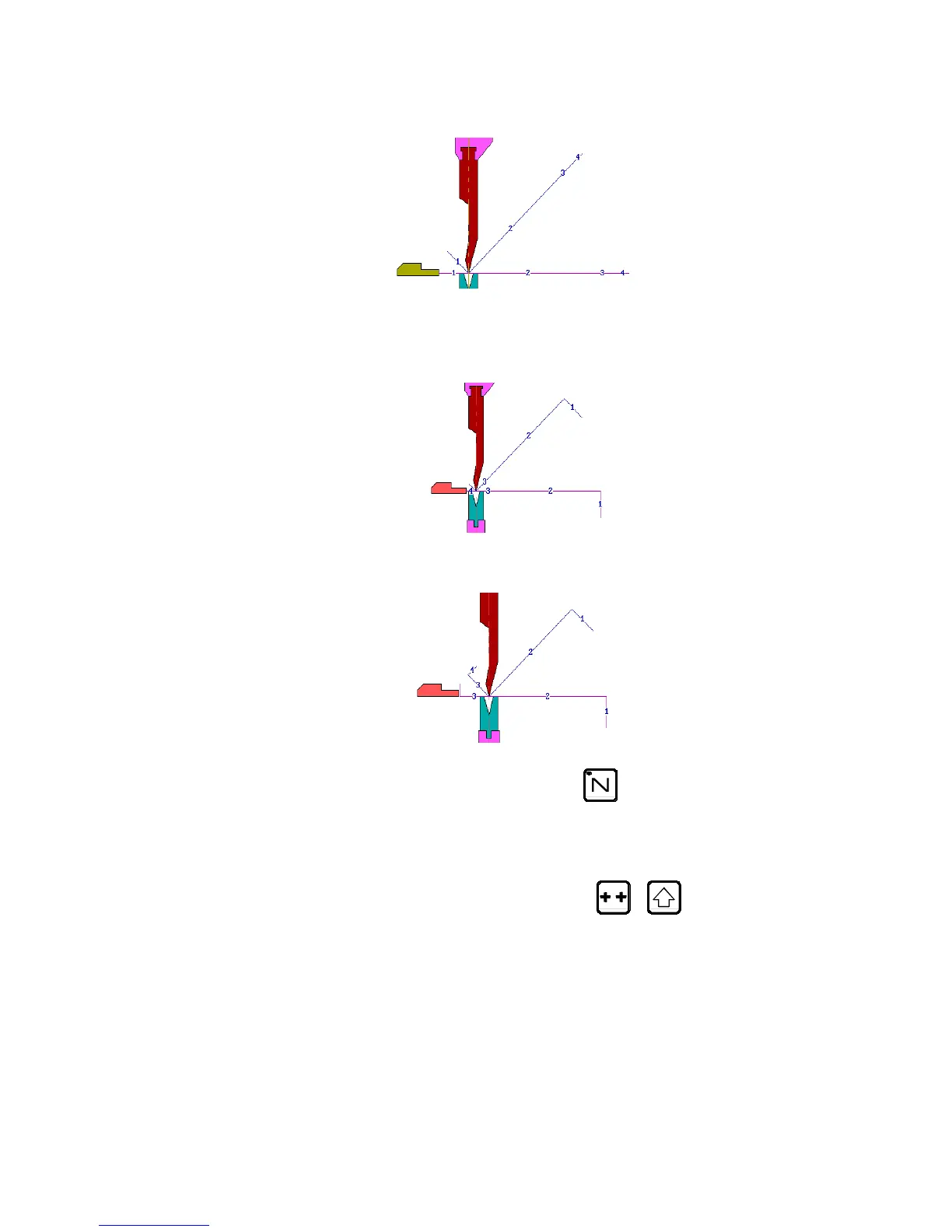
Bend 1 on FACE 1 and LEG 0
Bend 2 on FACE 3 and LEG 4
Bend 3 on FACE 2 and LEG 3
Clear the memory Call the sequence page with the
key.
Clear the work memory.
In the event of the removal of a product, the data contained in the Tools
fields, the Thickness field and the Material Information fields remain (if
displayed). This avoids the operator having to reprogramme unchanged data.
Place the cursor in the N field (reminder:
+ to position the
cursor on the top of the page).
CREATING A PRODUCT PAGE 13



 To Next Page