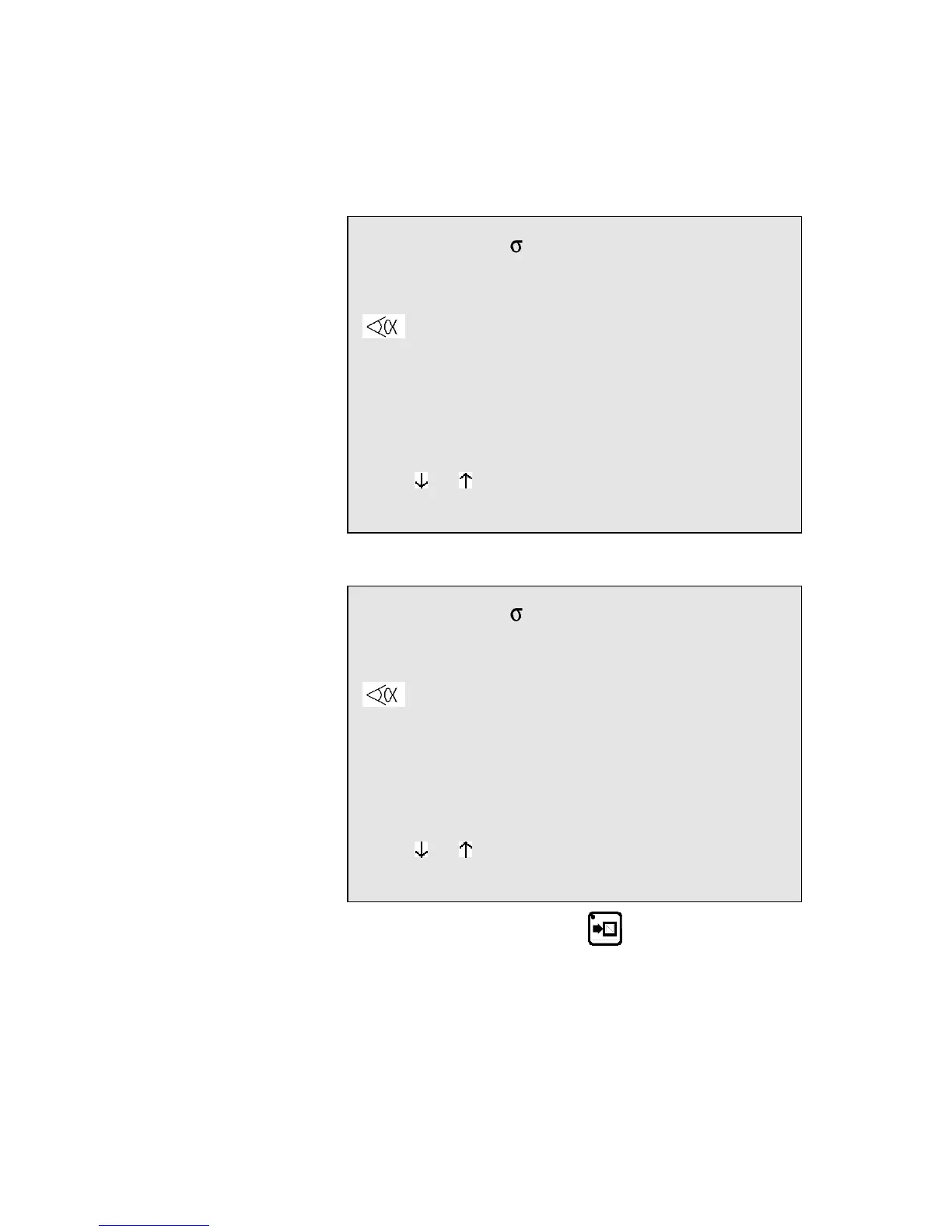
2nd sequence The following screen is displayed:
Note: The values Y1, Y2, Fb and Cr will vary, for they are
calculated as a function of the programmed tools. The values
POS Y1, Y2 and X will also be different, for they display the
real position of the axes.
P 0 N 2 CY __
Th: 2.00 37.00 Kg/mm²
p/d 1/ 1 CR __/ri __.__
--MEM-- --POS-- --COR--
90.0°
Y1 229.90 350.92 ____.__
Y2 229.90 351.05 ____.__
L ___.__
X 58.00 51.85 ____.__
Lmat 1000 TON 19
Rx ___ Ext start _
Vy _ _ ΔT _._s
TDC ___ SP ___
F1:___ F2:___ F3:___ F4:__ F5:__ Cr: 41
Modify the values which are different for this sequence, in this case enter
20.0 in the L field or 18 in the X field.
P 0 N 2 CY __
Th: 2.00 37.00 Kg/mm²
p/d 1/ 1 CR __/ri __.__
--MEM-- --POS-- --COR--
90.0°
Y1 229.90 350.92 ____.__
Y2 229.90 351.05 ____.__
L 20.0
X 18.00 51.85 ____.__
Lmat 1000 TON 19
Rx ___ Ext start _
Vy _ _ ΔT _._s
TDC ___ SP ___
F1:___ F2:___ F3:___ F4:__ F5:__ Cr: 41
Press the sequence forwards key , in order to copy this second
sequence in sequence 3.
The message COPIED is displayed, the N field passes on 3.
The LED of the key remains lighted, indicating that you are on the
last sequence.
CREATING A PRODUCT PAGE 15



 To Next Page