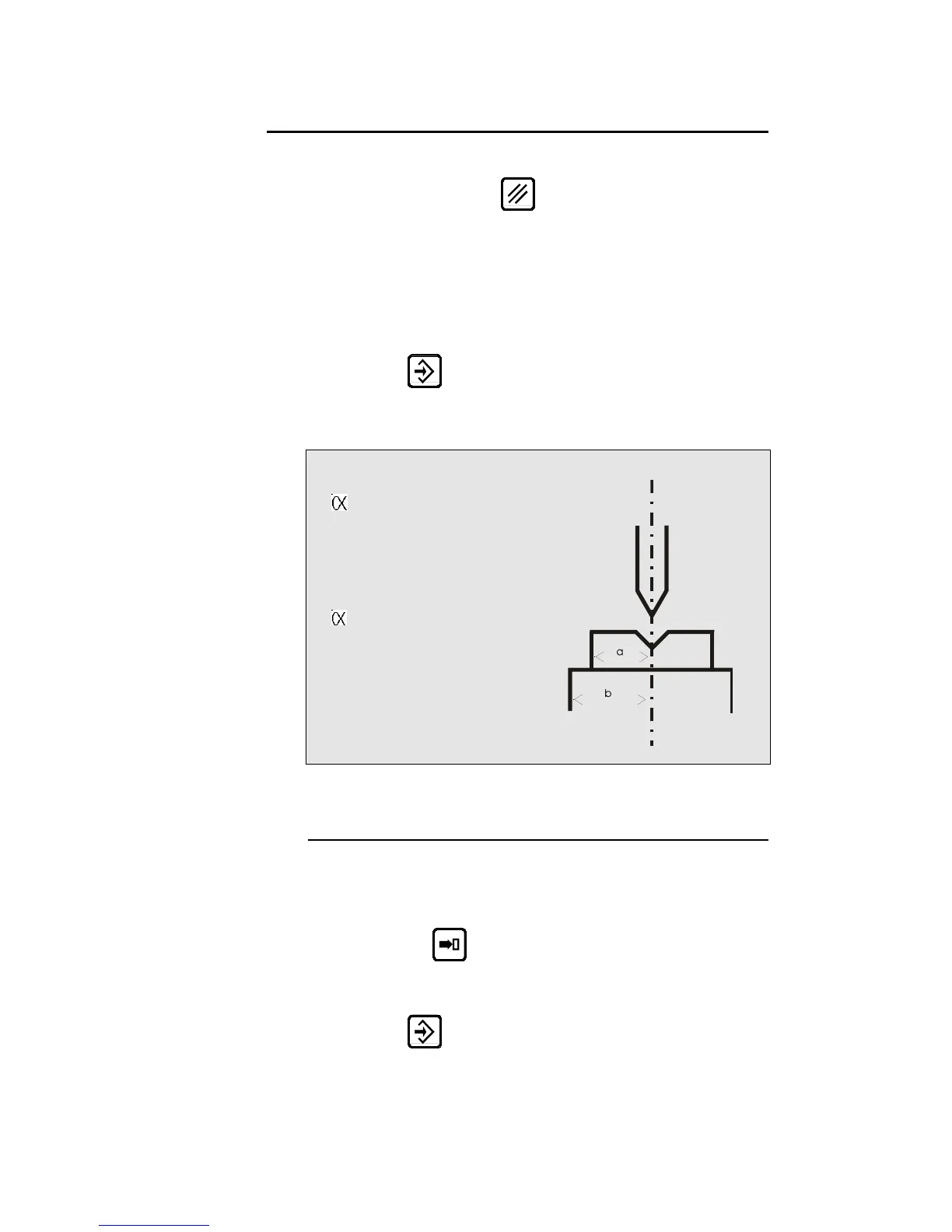
PROGRAMMING A PUNCH
On the PUNCH / DIE PROGRAMMING page, delete the values on
this page by pressing the
key twice.
Fill in the different fields.
If you wish to save this new punch proceed as follows:
a) Place the cursor on the PROGR. p/d field and introduce the
number you wish to give to this punch as indicated below.
Caution: The die N° must not be programmed.
b) Press
.
c) If the system displays the message EXISTS, choose another
number.
PROGR. p/d 1/__
PUNCH
p 90°
hp 100.00
rp 1.50
TON/M 100
DIE
Vd 15.00
d 90°
hd 100.00
rd 1.50
TON/M 100
REF Y 200.00
SAF X 10.00
a: 20
b: 30
Modifying a Punch to Create a New One
On the PUNCH / DIE PROGRAMMING page.
Call the punch which will serve as a basis.
Place for that the cursor in the p field, introduce the desired number
and press the
key.
Modify the values as necessary.
Save the new punch by introducing its number in the p/ field and
press the
key.
PAGE 36 USER GUIDE DNC 600S



 To Next Page