P 1 N 2 p/d 1/ 1
BEND 1 2 3 4 5 6 7 8 9 10
4 1 2 3 __ __ __ __ __ __
LEF 0 0 1 2 __ __ __ __ __ __
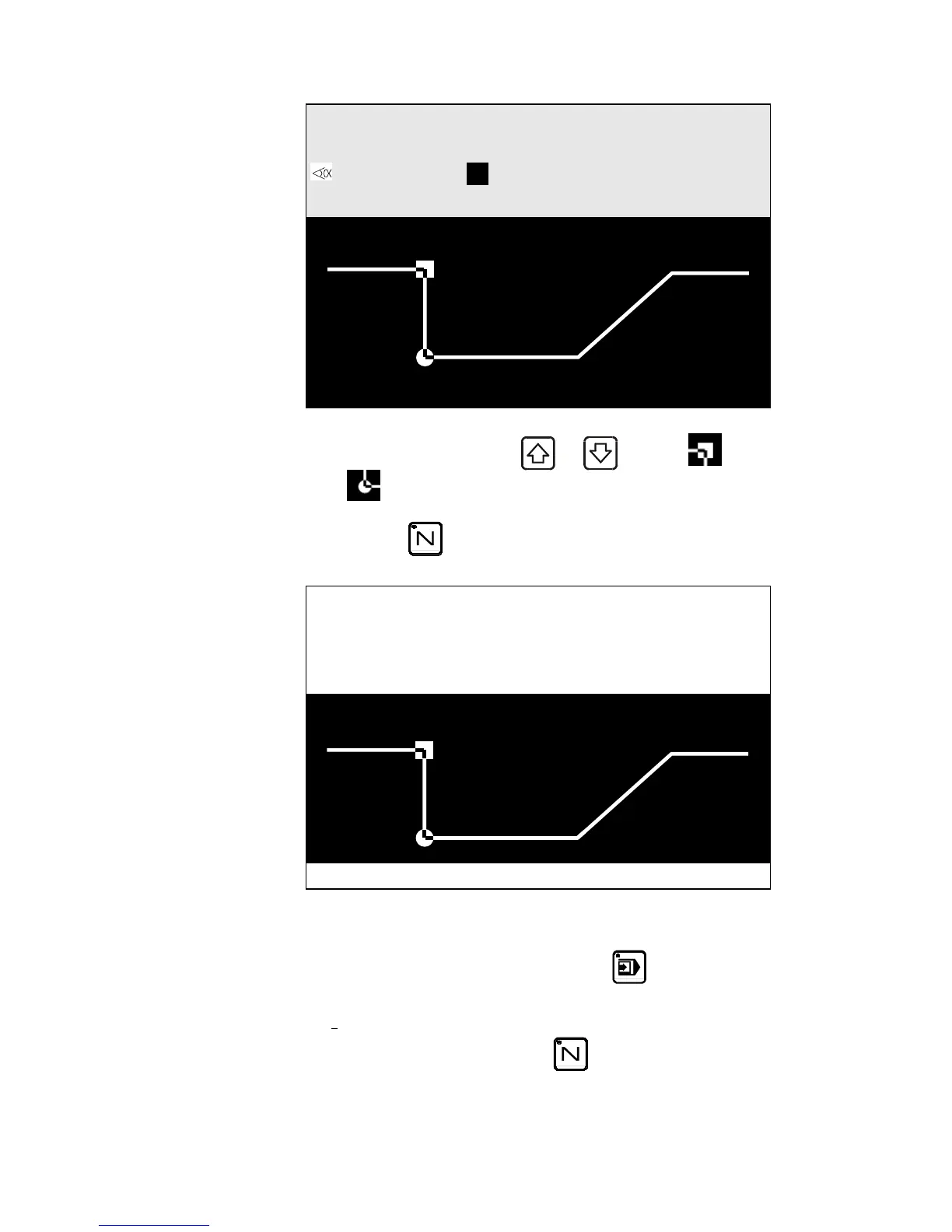
You may navigate between sequences in order to display each one with its
related face and leg by pressing the
and keys (legs=
bend=
.)
Press the
key 3 times to view the bend sequence and all
information on how to move the metal sheet between bends.
N 3 / 5 CR _ _
Pu 1 Di 3 RETURNS
Go to sequence 1.
Switch to semi-automatic mode by pressing
.
Perform the first bend.
To view the axes' position, go to the Bend Numerical page (large or
small characters) by pressing the
key.
PAGE 52 USER GUIDE DNC 600S



 To Next Page