Chassis Management
AlterPath BladeManager Manual 4-21
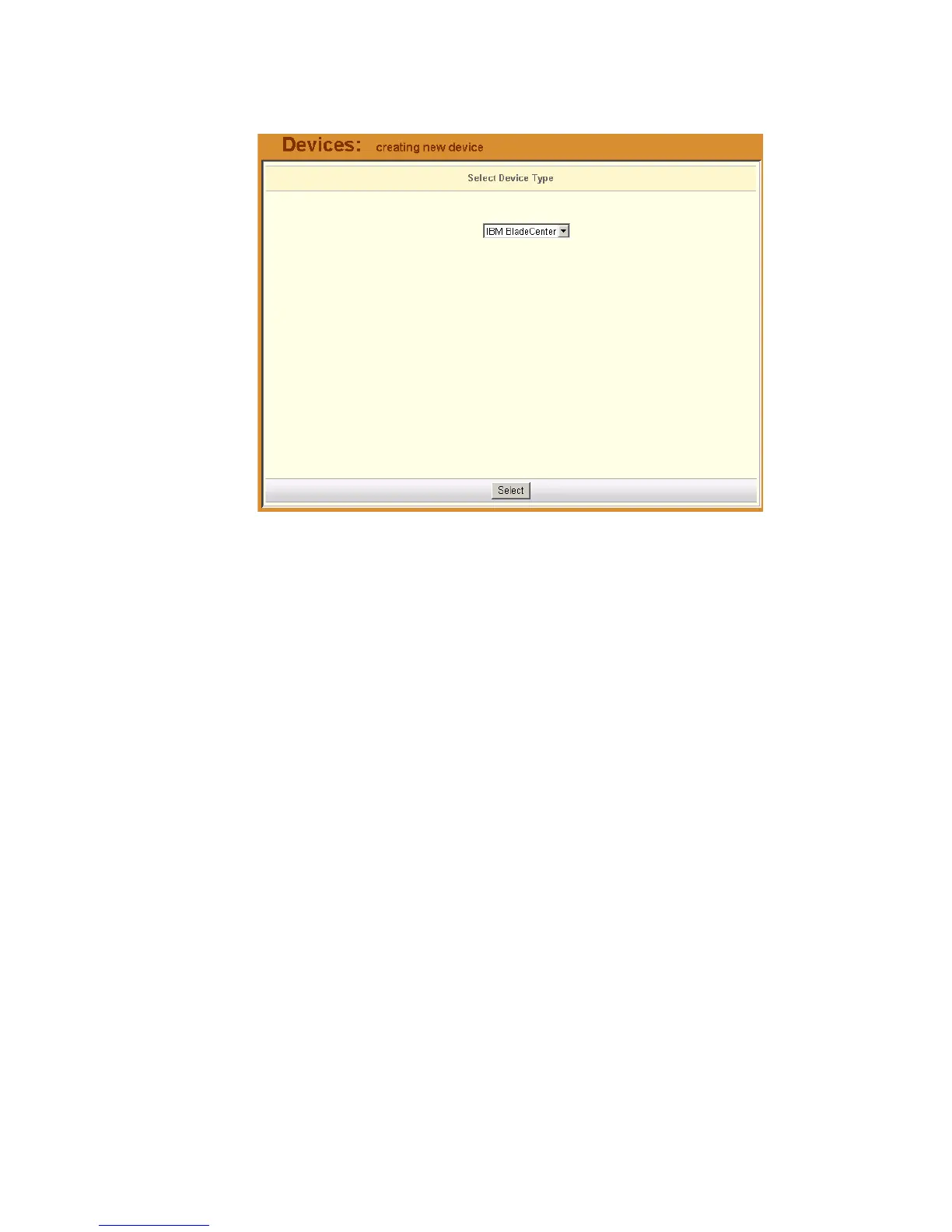
The system displays the Select Device Type form:
3. From the Select Device Type form, (since the field box already says IBM
BladeCenter) click the Select button. Proceed to Step 5.
4. If you are editing an existing chassis, from the Device list form, select the
chassis you want to edit, and then click on the edit link (Config column,
same row).



 To Next Page