4: BladeManager Web Administration
4-22 AlterPath BladeManager Manual
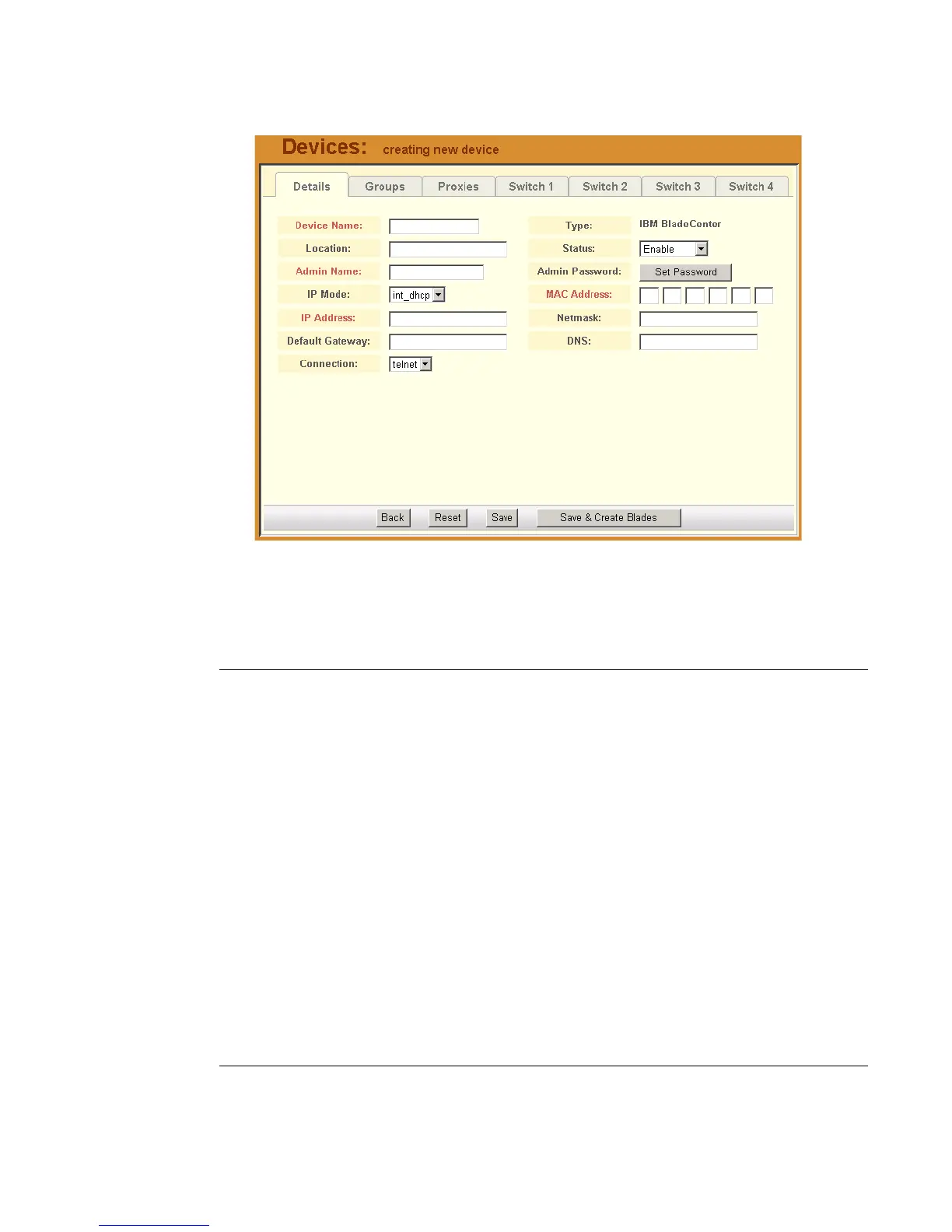
The system displays the Devices Detail form:
5. Complete or modify the Detail form as defined by the following table:
Devices Details Form - Fields and Elements
Fieldname Definition
Details (tab) Currently selected tabbed form.
Device Name The symbolic name linked to the chassis.
Type IBM Blade Center is the only supported type of
device or chassis.
Location Physical location of the device or chassis.
Status Dropdown list box to select:
Enable - connection between the BladeManager
and the device is ALWAYS established.
Disable - no connection is established, and all
child consoles follow this configuration.
OnDemand - connection is established only
upon user’s request.



 To Next Page