MARK CURRENT LOCATION
To Mark Current Location
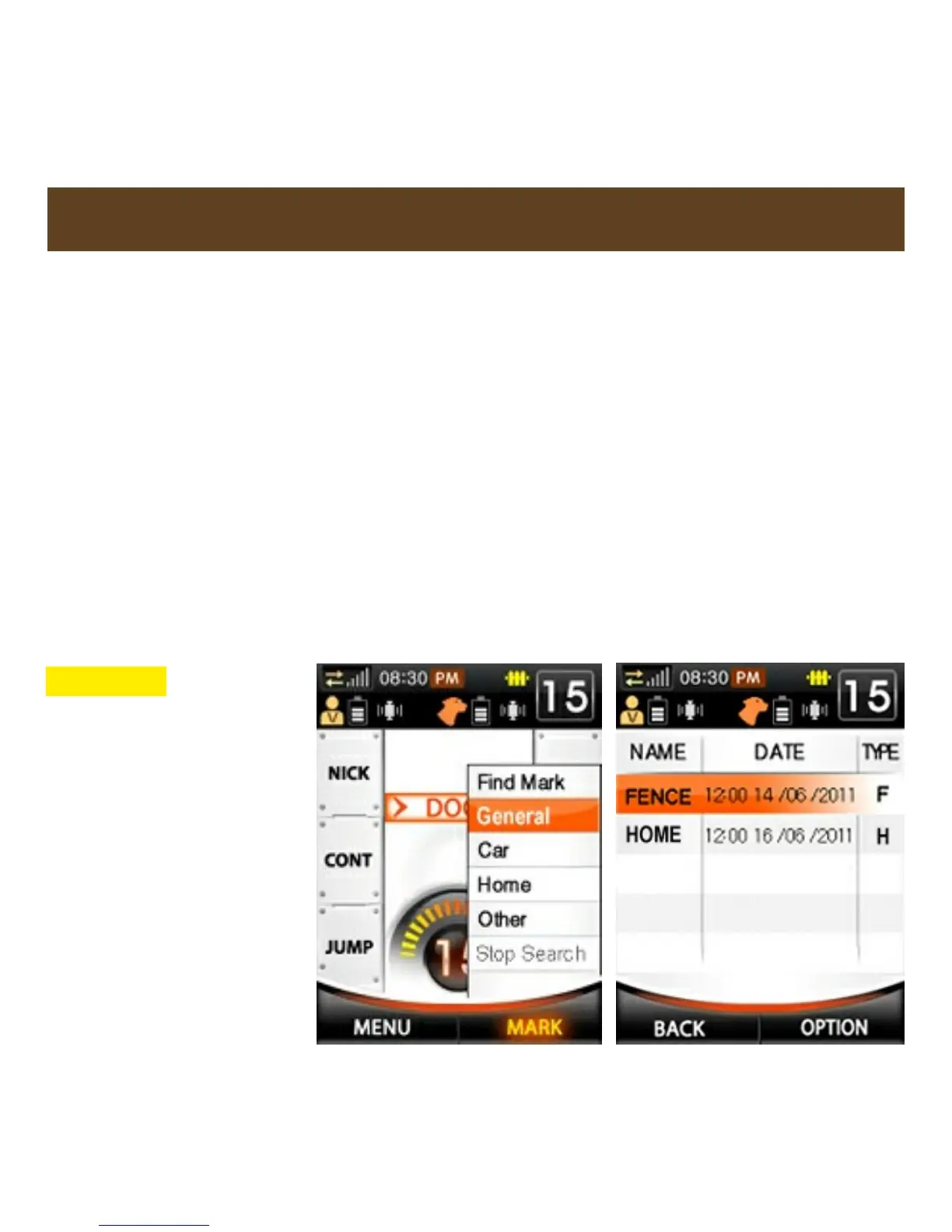
1. Press the MARK button.
2. Select General, Car, Home, or Other and press the ENTER button
(see fig. 1 below). Only one Waypoint per category can be stored.
3. A text window will pop up indicating the Waypoint has been saved.
Press ENTER.
4. A list of saved Waypoints will appear along with the time and date
they were saved. An active Fence Center is automatically on this list
(see fig. 2 below).
5. Press BACK to go back to Training screen or select a Waypoint for
further options (see pg. 58-59).
CAUTION - If a
Waypoint already
exists, it will be
deleted and
overwritten if a new
Waypoint of the
same type is saved
(General, Car, etc.).
Be careful not to
lose important
Waypoints when
saving new ones.
Fig. 2
Fig. 1



 To Next Page