SETUP OVERVIEW / SYSTEM
To get to Setup:
1. Click on MENU.
2. Highlight Setup and press ENTER.
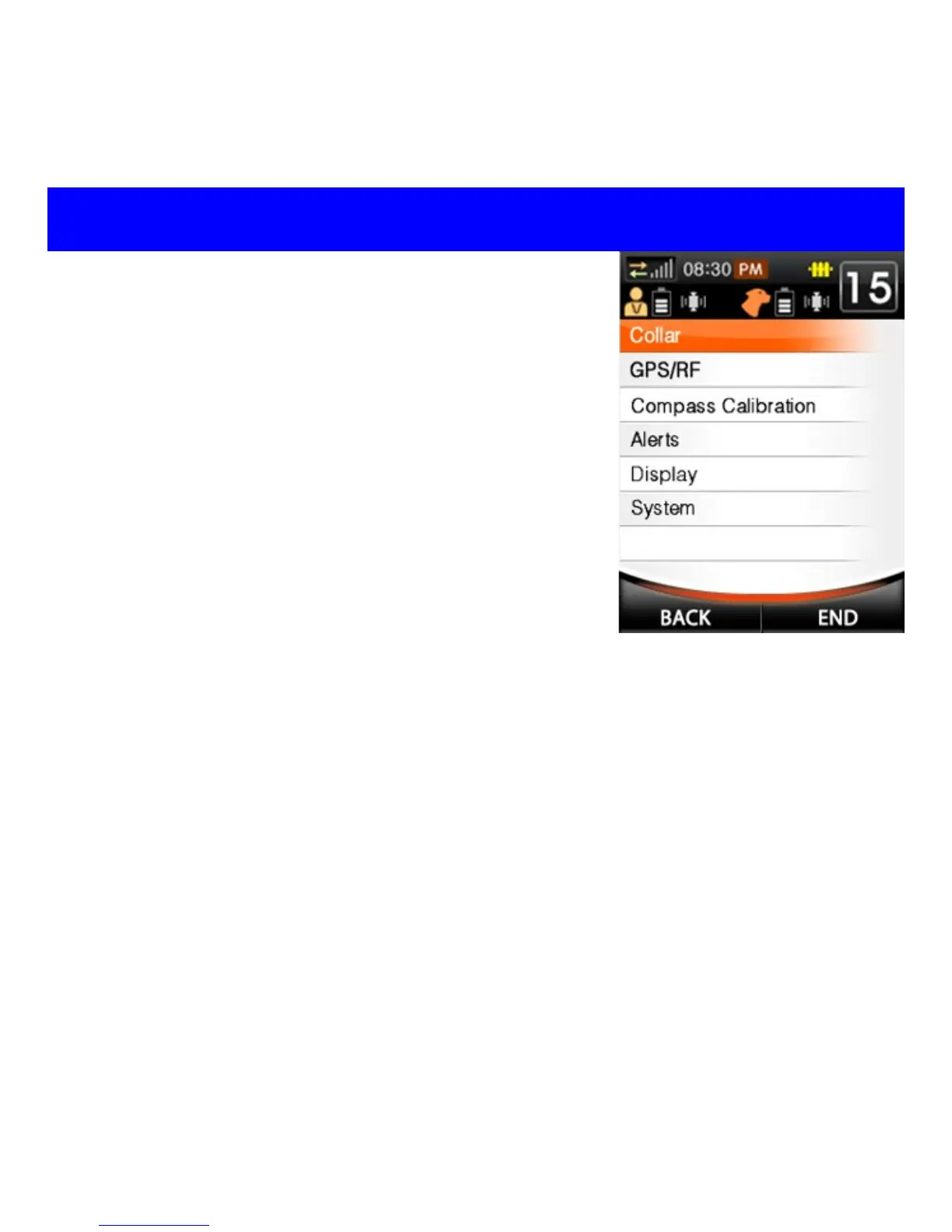
Setup: Customize handheld unit and collar
settings (see fig. 1 to right).
Collar: Add, edit, and delete collar units.
GPS/RF: View and adjust GPS settings and RF
channel settings.
Compass Calibration: calibrate the internal
compass on the handheld unit (see pg. 30).
Alerts: Activate and deactivate alerts.
Display: Adjust Power Save, Units of Measure,
Time & Date, Time Zone, and Screen
Brightness.
System: Factory reset and Unit Information.
SYSTEM
MENU→Setup→System
Factory Reset: Restores all settings to factory default settings. All
user-saved information will be lost.
Information: Displays model name, software version, and manufacturer
information.
Fig. 1



 To Next Page