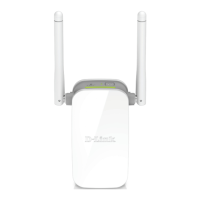
DAP-1325 N300 Wi-Fi Range Extender
User Manual
Installation and Connection
PC with Wi-Fi Adapter
1. Plug the device into an electrical outlet or power strip.
2. Turn on your Wi-Fi adapter. As a rule, modern notebooks with built-in wireless NICs are
equipped with a button or switch that turns on/off the wireless adapter (refer to your PC
documents). If your PC is equipped with a pluggable wireless NIC, install the software
provided with your Wi-Fi adapter.
Now you should configure your Wi-Fi adapter.
Page 20 of 92



 To Next Page