DAP-1325 N300 Wi-Fi Range Extender
User Manual
Configuring via Web-based Interface
CHAPTER 4. CONFIGURING VIA WEB-BASED
INTERFACE
Initial Configuration Wizard
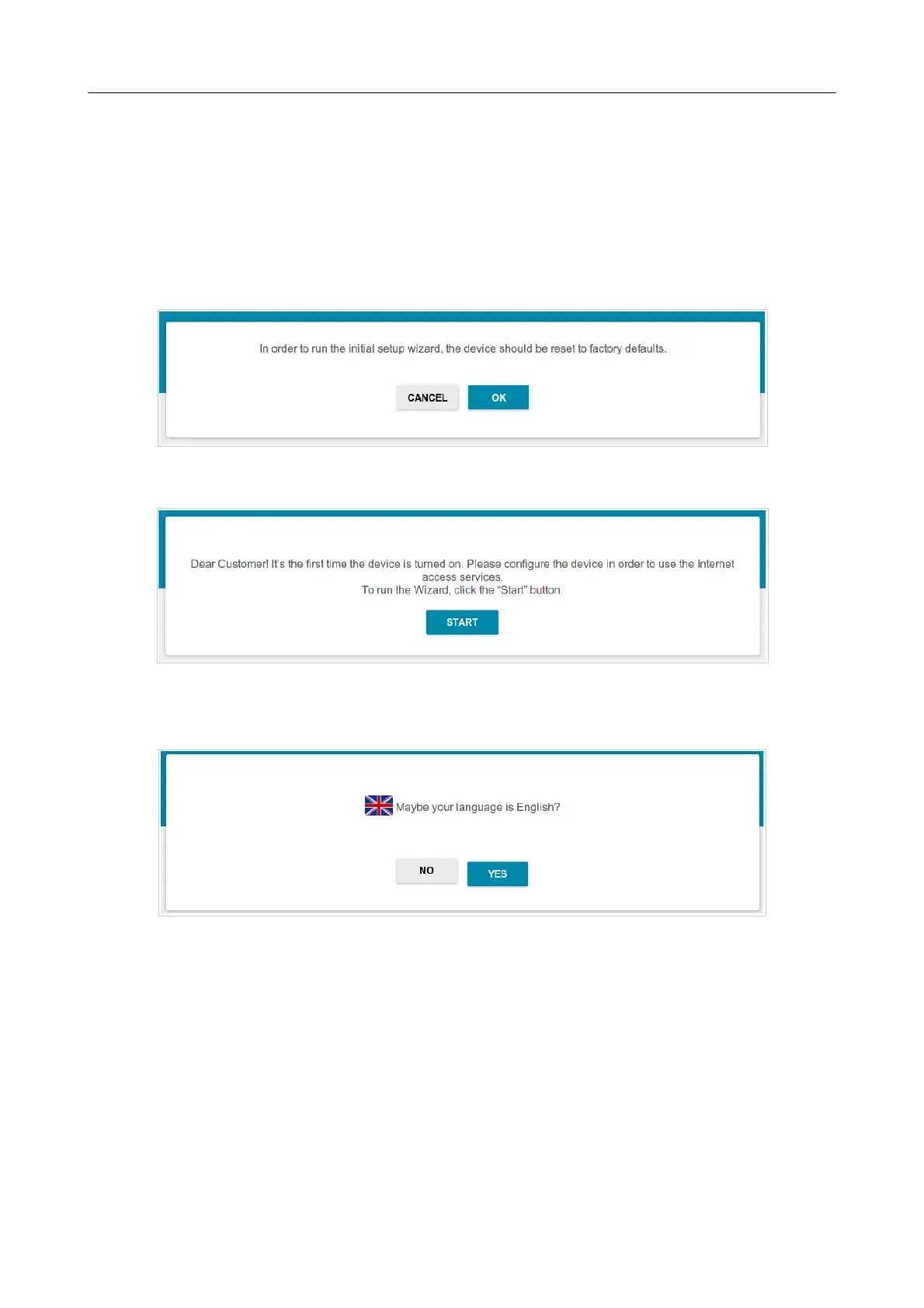
To start the Initial Configuration Wizard, go to the Initial Configuration section. On the opened
page, click the OK button and wait until the factory default settings are restored.
Figure 22. Restoring the default settings in the Wizard.
Click the START button.
Figure 23. Starting the Wizard.
On the opened page, click YES in order to leave the current language of the web-based interface or
click NO to select the other language.
Figure 24. Selecting a language.
Page 32 of 92



 To Next Page