DES-3028 DES-3028P DES-3028G DES-3052 DES-3052P Layer 2 Fast Ethernet Managed Switch
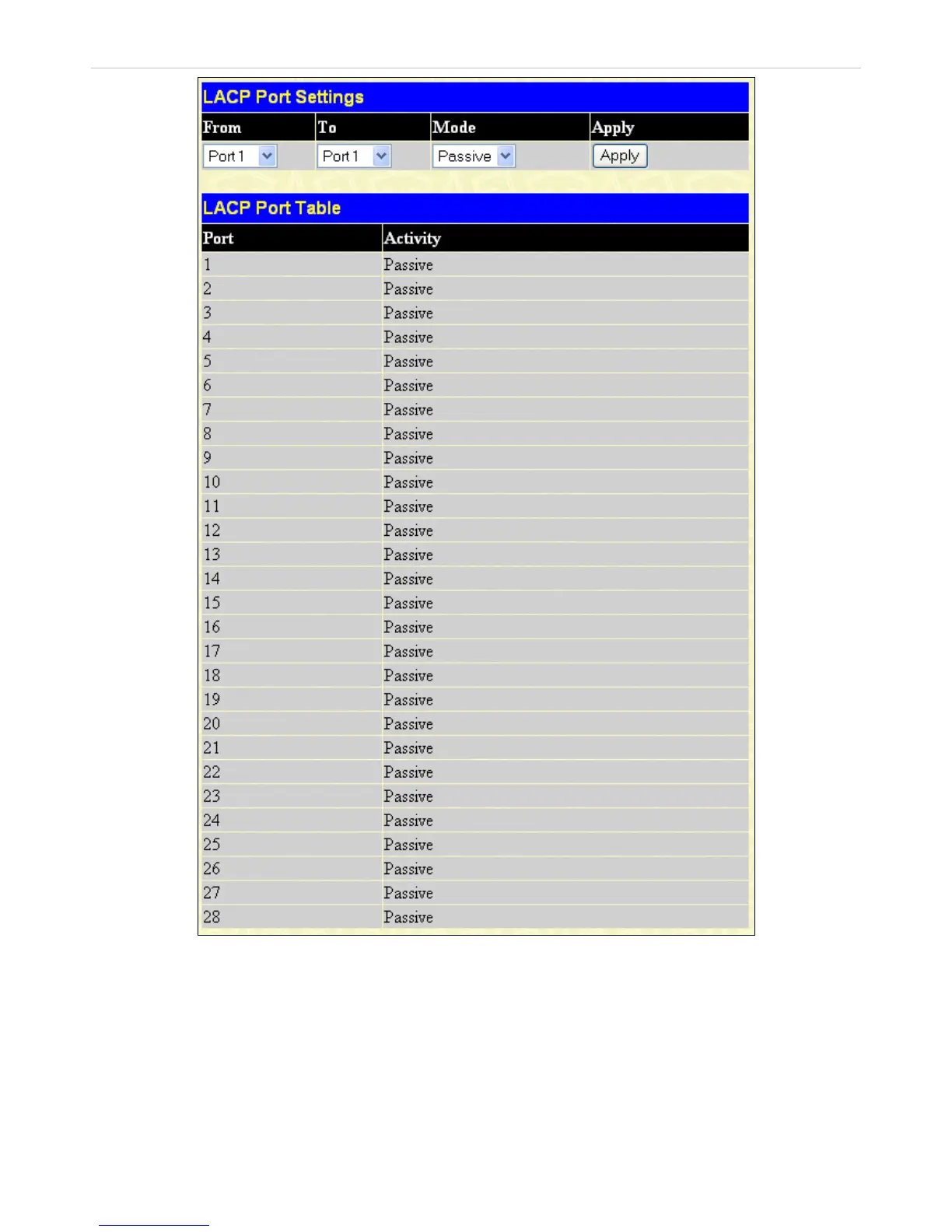
Figure 7- 14. LACP Port Settings window
To configure LACP port trunk settings, select a port range using the From and To drop-down menus, select either Passive or
Active Mode, and then click Apply to let your changes take effect.
100














 To Next Page