DES-3526 / DES-3526DC Fast Ethernet Layer 2 Switch
95
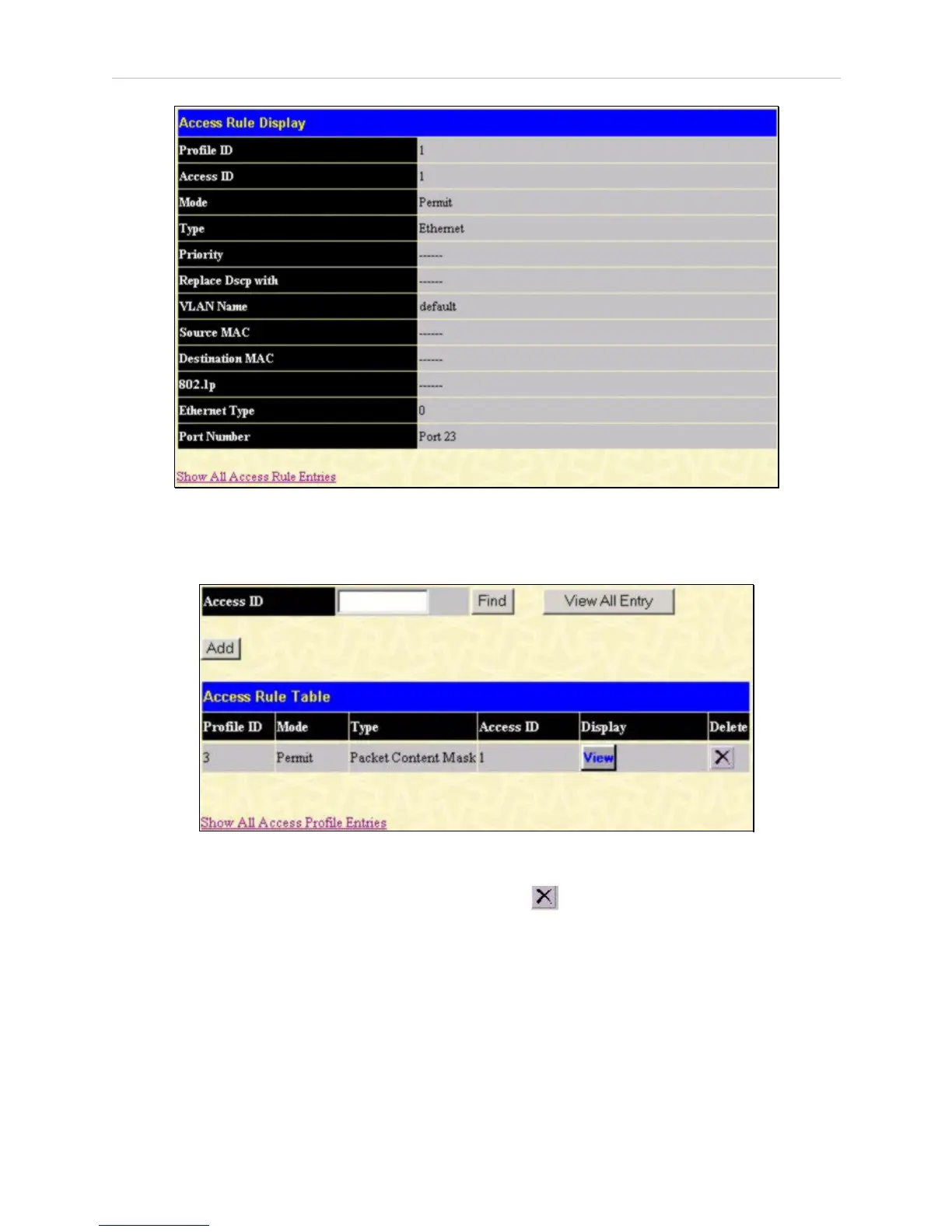
Figure 6- 62. Access Rule Display window (Ethernet)
To configure the Access Rule for Packet Content Mask, open the Access Profile Table and click
Modify for a Packet Content Mask entry. This will display the Access Rule Table.
Figure 6- 63. Access Rule Table window (Packet Content Mask)
To remove a previously created rule, select it and click the button. Access rules are indexed using
the Access ID number. To locate a specific Access Rule in the table, enter the Access ID and click
Find. To display all rules in the table, click the View All Entries button.
To add a new Access Rule, click the Add button above the Access Rule Table to view the Access Rule
Configuration menu.














 To Next Page