xStack DES-3528 Series Layer 2 Stackable Fast Ethernet Managed Switch User Manual
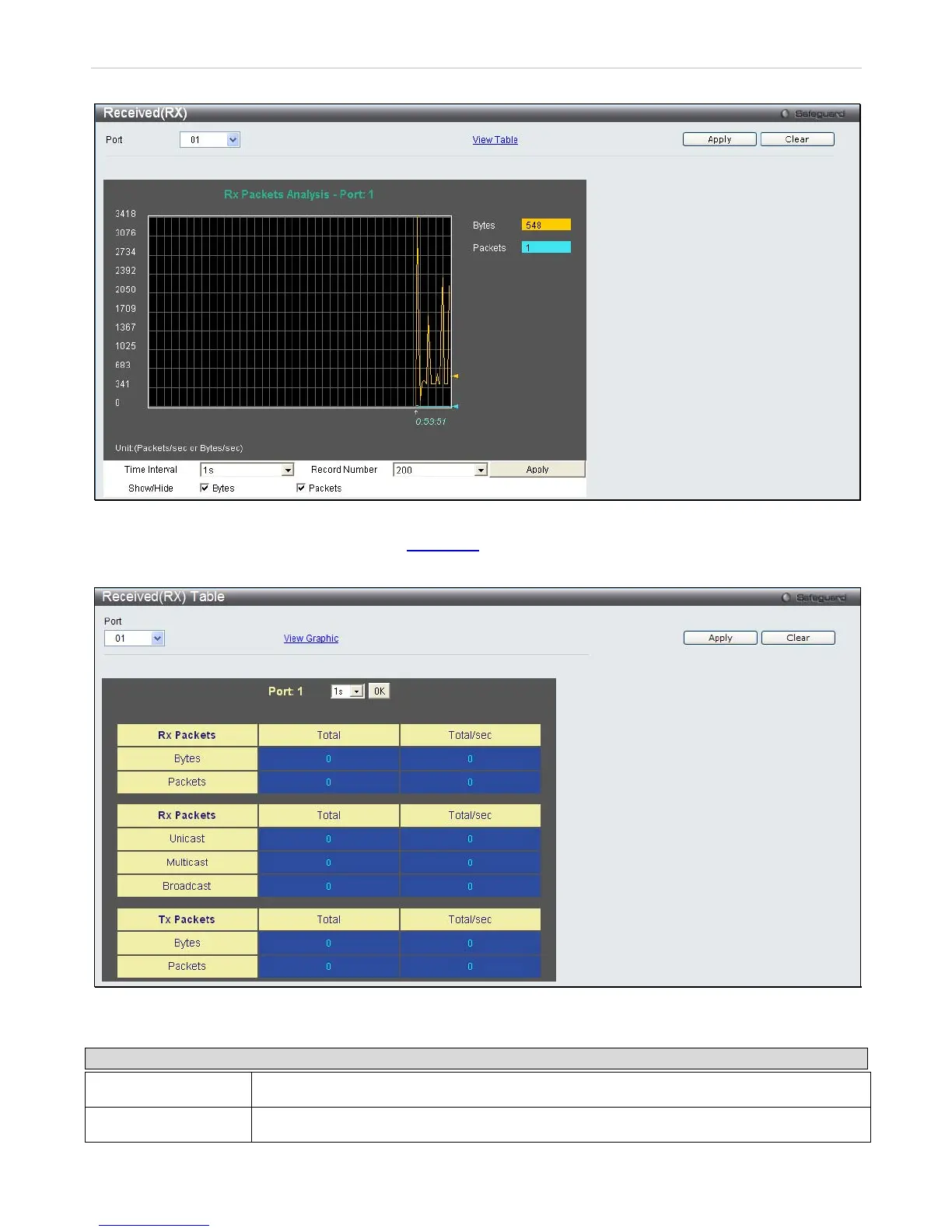
Figure 11- 6. Received (RX) window (for Bytes and Packets)
To view the Received (RX) Table window, click View Table
.
Figure 11- 7. Received (RX) Table window (for Bytes and Packets)
The following fields may be set or viewed:
Parameter Description
Port
Use the drop-down menu to choose the port that will display statistics.
Time Interval
Select the desired setting between 1s and 60s, where "s" stands for seconds. The default














 To Next Page