16D-Link DIR-608 User Manual
Section 3 - Conguration
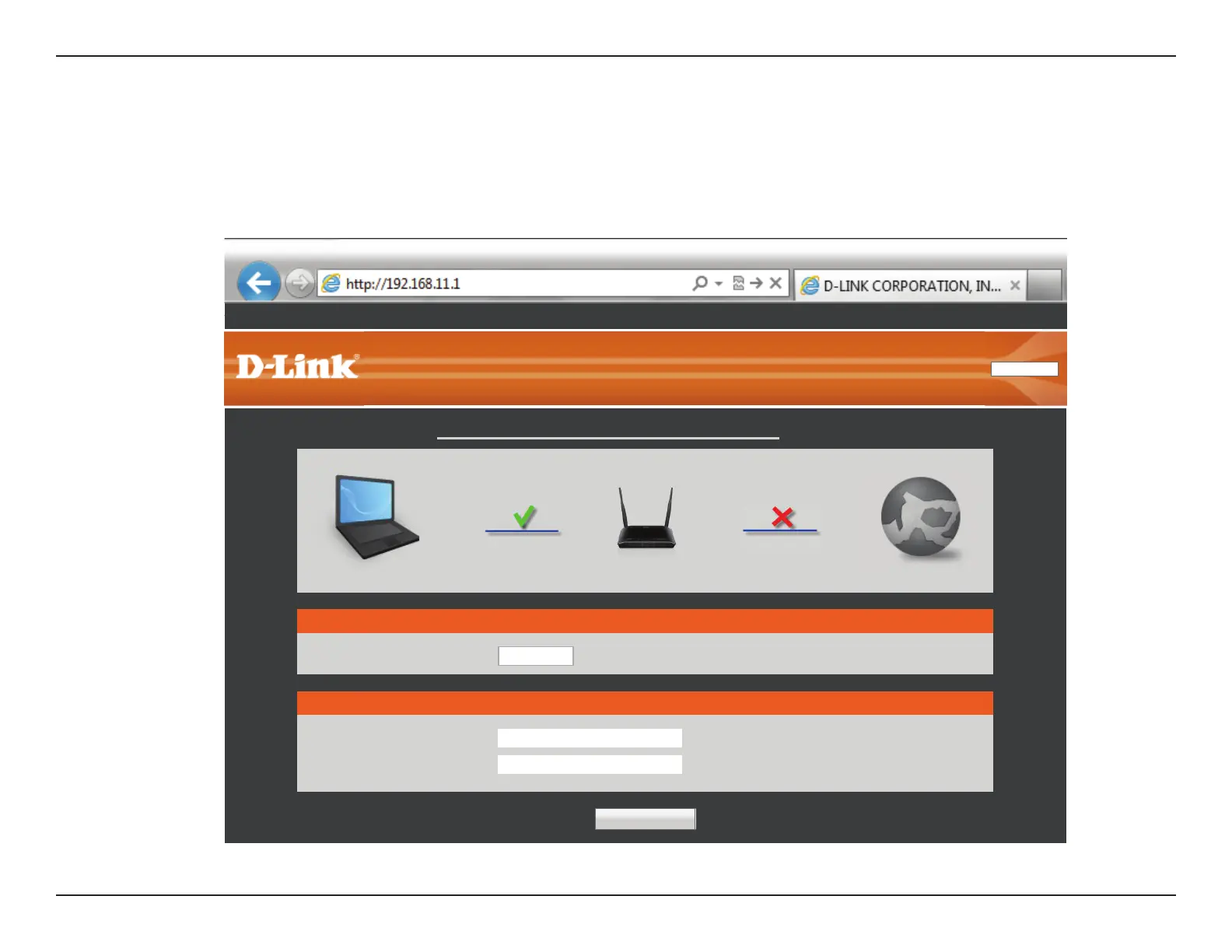
To access the conguration utility, open a web browser such as Internet Explorer and enter http://192.168.11.1 in the address eld. The rst time
you log in, you will be shown this page.
Congure your WAN and Wireless network. Click the Save and Connect button when you are nished.
Note: It is recommended to write down the SSID and security key.
Wireless Setup
SSID:
D-Link_DIR-608
Key:
(8-63 characters or 64 hex digits)
WAN Setup
Connect type:
DHCP
▼
The Wireless tab provides access to congure the wireless networking feature of your DIR-608.
Product Page: DIR-608
English
Select Language
▼
Save and Connect
Advanced Network
Settings
LAN IP 192.168.11.1 Internet IP 0.0.0.0 DHCP
InternetRouterClient
Network Map
Getting Started













 To Next Page