27D-Link DIR-608 User Manual
Section 3 - Conguration
Internet Setup
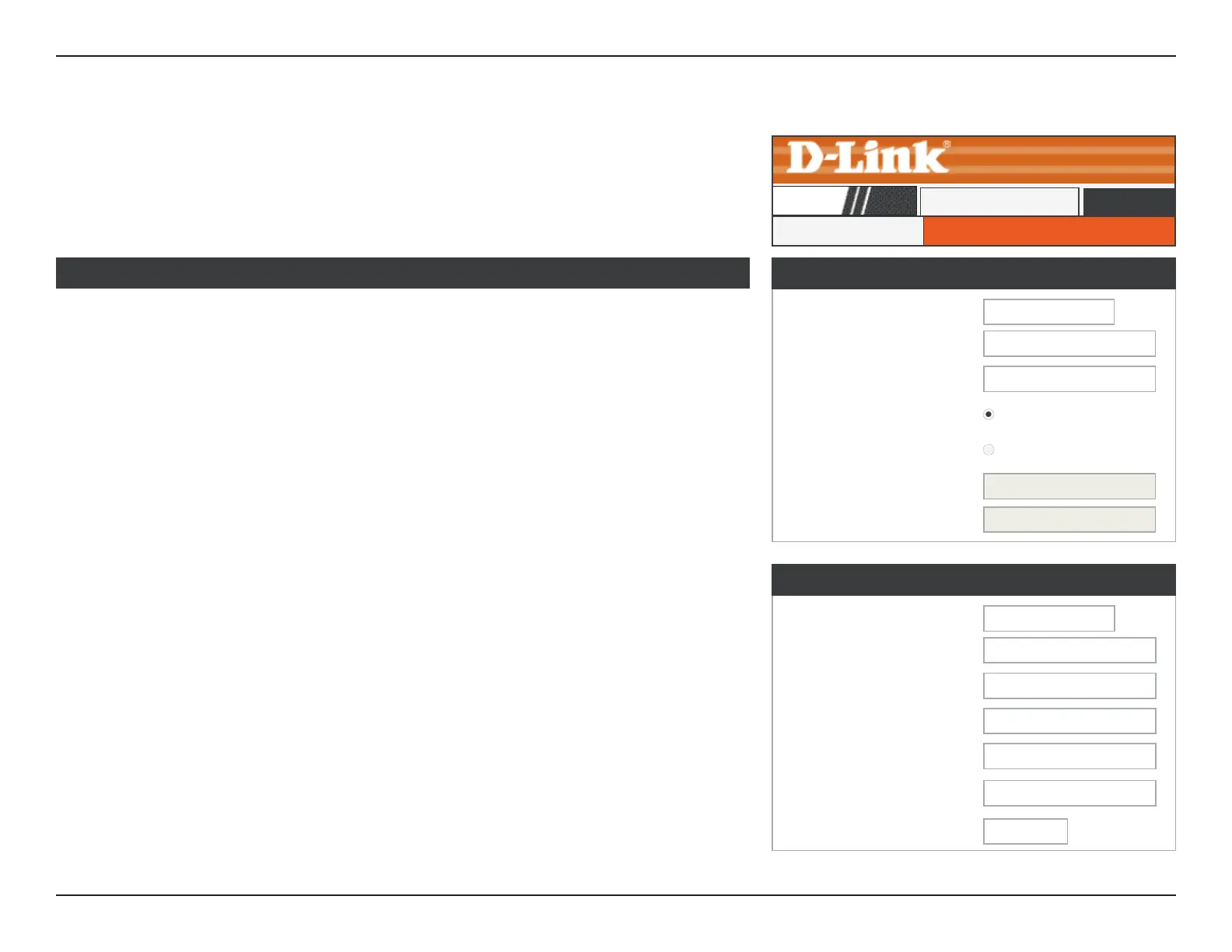
Click Internet Setup on the navigation menu to congure your Internet connection
manually. This section is only recommended for advanced users. It is recommended to use
the Setup Wizard to set up your Internet connection.
WAN Access Type: Select the Internet Connection protocol from the dropdown menu
your ISP uses. The options are DHCP, Static IP, PPPoE, and DS-Lite.
If you choose DHCP Client, please congure the following elds:
Host Name: Enter the host name of the router.
MTU Size: Enter the MTU size.
Attain DNS
Automatically:
Select this option to obtain a DNS server information automatically.
Set DNS Manually: Select this option and manually input your DNS server information.
If you choose Static IP, please congure the following elds:
IP Address: Enter the IP address provided by your ISP.
Subnet Mask: Enter the subnet mask.
Default Gateway: Enter the default gateway.
MTU Size: Enter the MTU size.
DNS Server 1, 2: Enter the DNS Server IP addresses.
WAN Interface
WAN Interface
WAN Access Type:
DHCP Client
▼
Host Name: hostname
MTU Size:
1500
Attain DNS Automatically:
Set DNS Manually:
DNS Server 1: 0.0.0.0
DNS Server 2:
0.0.0.0
WAN Interface
WAN Access Type:
Static IP
▼
IP Address: 0.0.0.0
Subnet Mask:
0.0.0.0
Default Gateway:
0.0.0.0
MTU Size:
1500
DNS Server 1:
0.0.0.0
DNS Server 2:
0.0.0.0 (Optional)
WAN Interface Setup
Internet Setup
DIR-608
Setup













 To Next Page